One client.
The full picture.
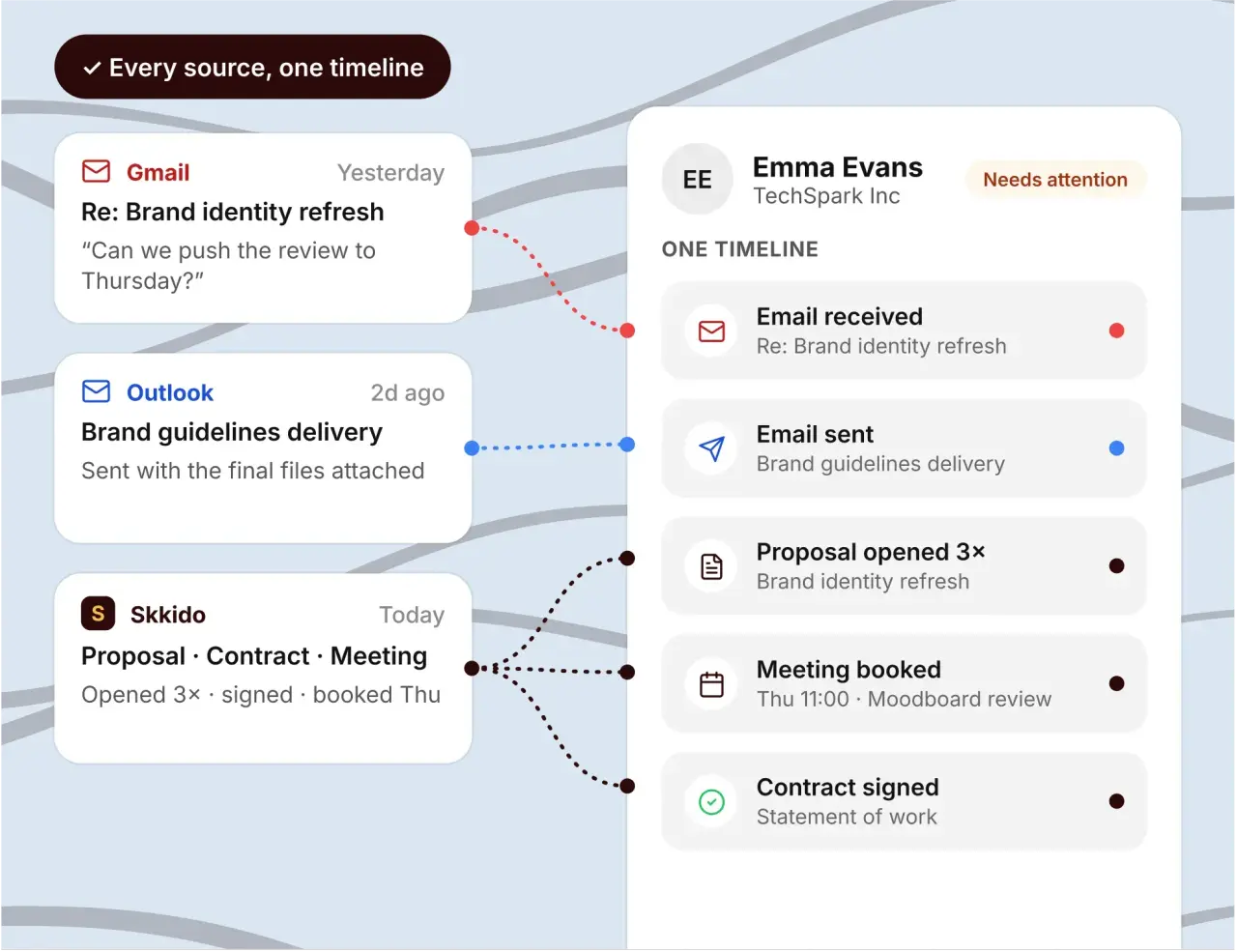
Every deal, message, booking and proposal for a client, on one profile. Whether it happened in Skkido or in the tools you connect, the engine reads it and puts it here automatically.
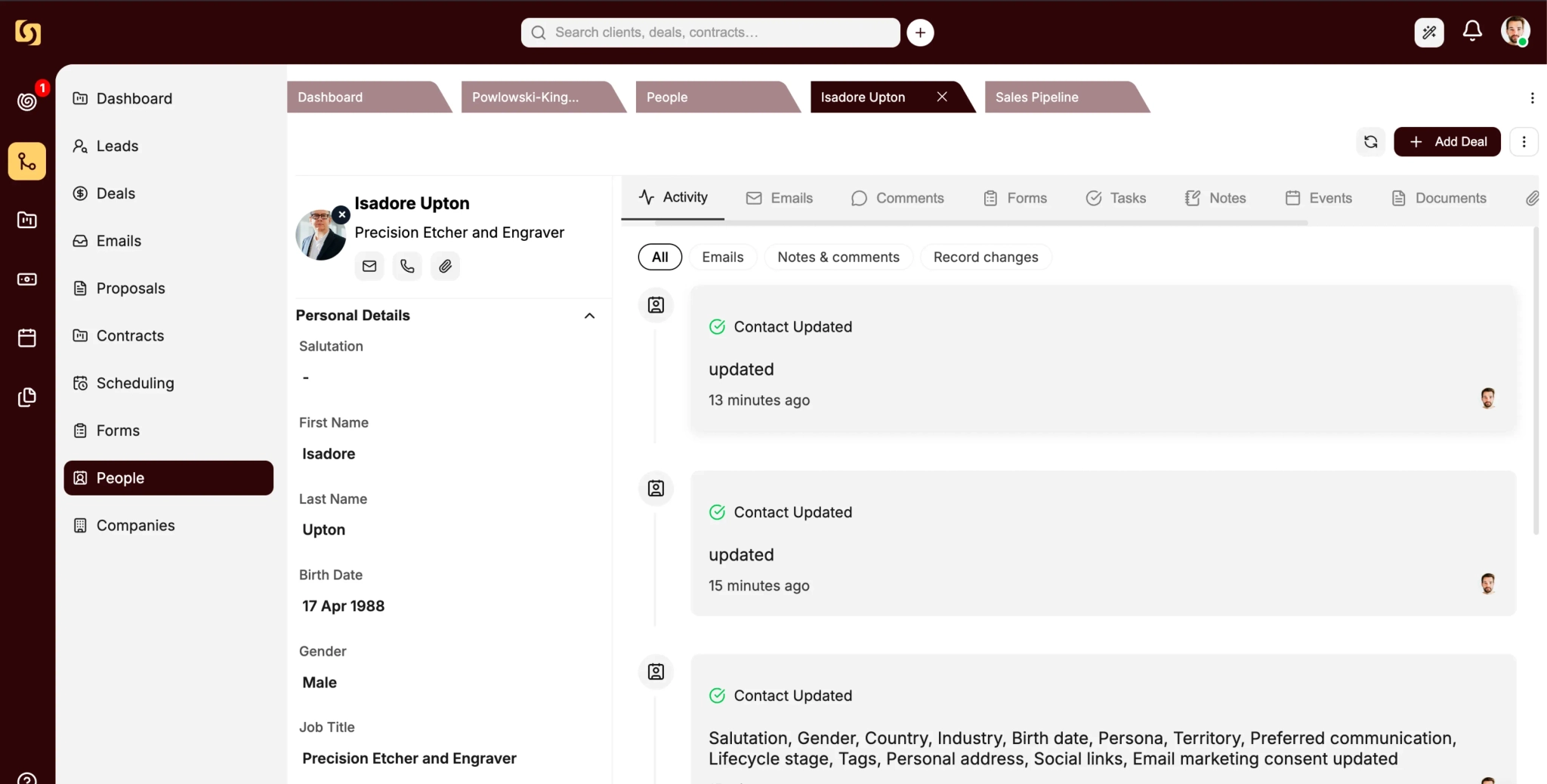
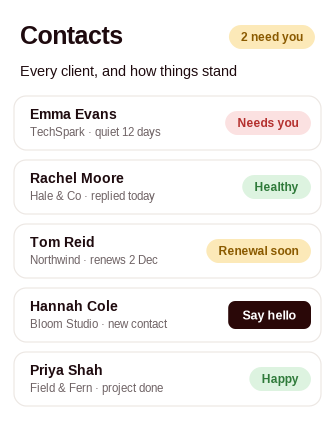
Read from where you work
Your tools and Skkido.
One profile.
Messages from your inbox, plus the deals, proposals, projects and bookings in Skkido. The engine reads them all and puts each one on the right person, automatically.
Before they say a word
Walk into every conversation
already briefed.
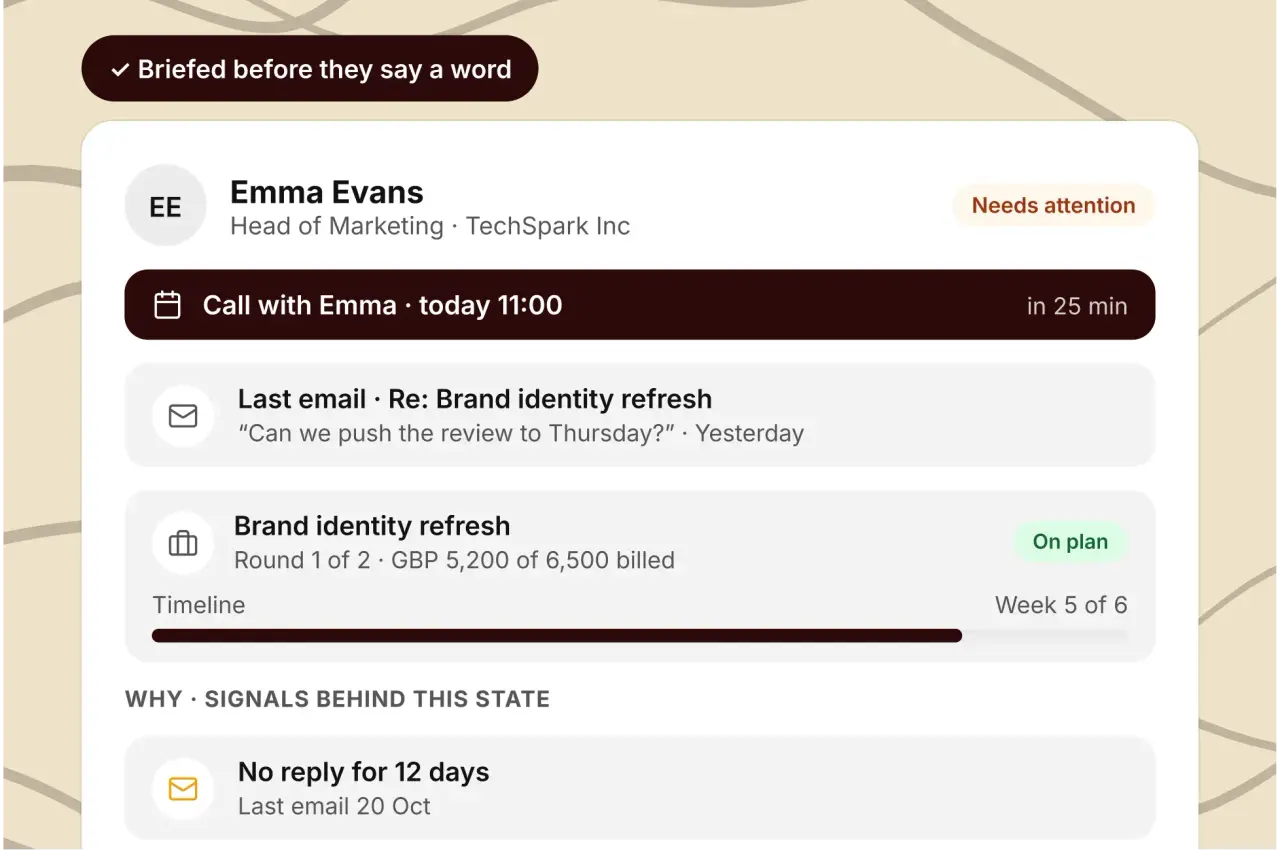
Open a profile and see the client’s state, the latest message and where the work stands. Every verdict shows the signals behind it, so you know why before they finish asking.
A closer look
See how contacts work
People & companies
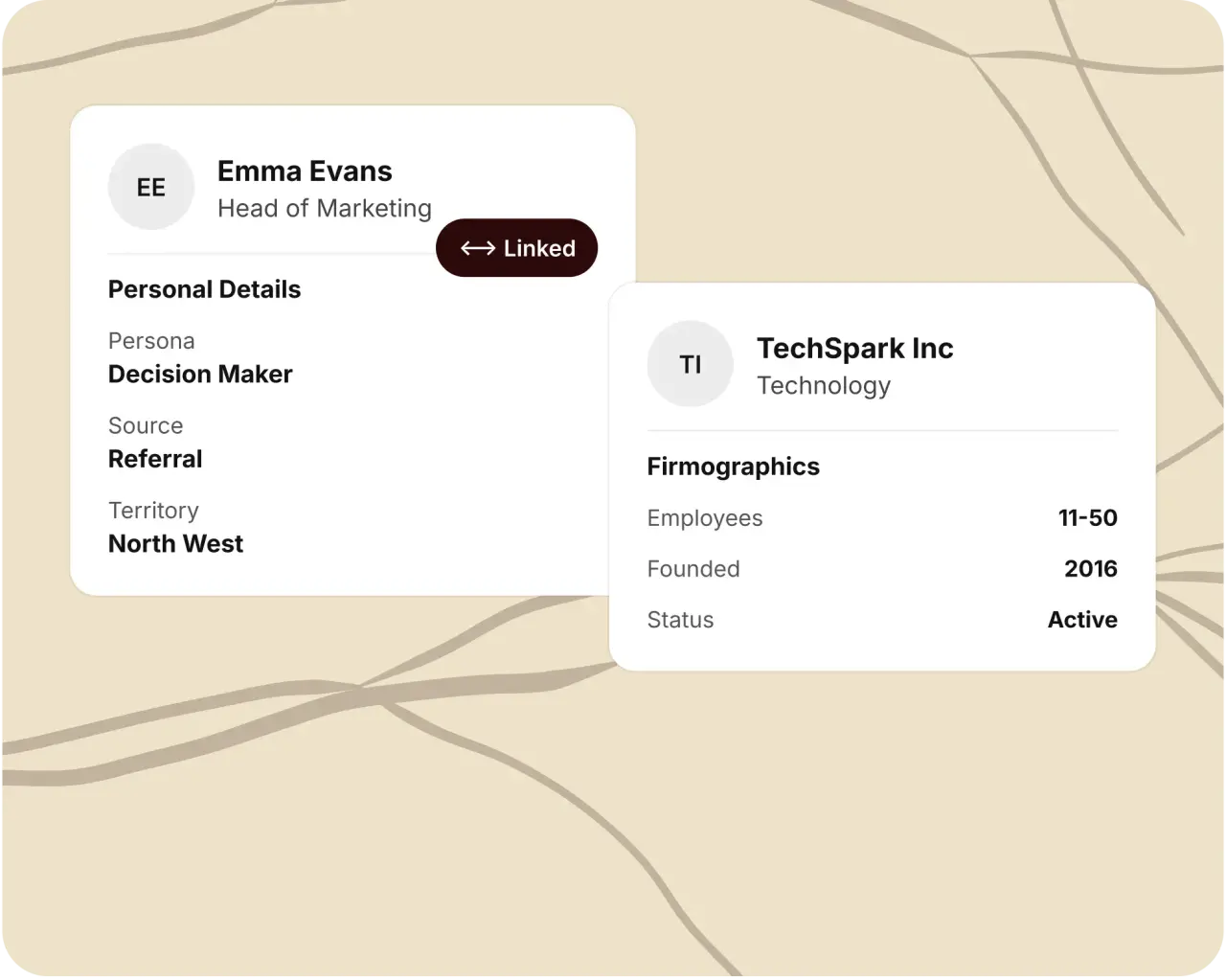
Two types of contact. One standard of detail.
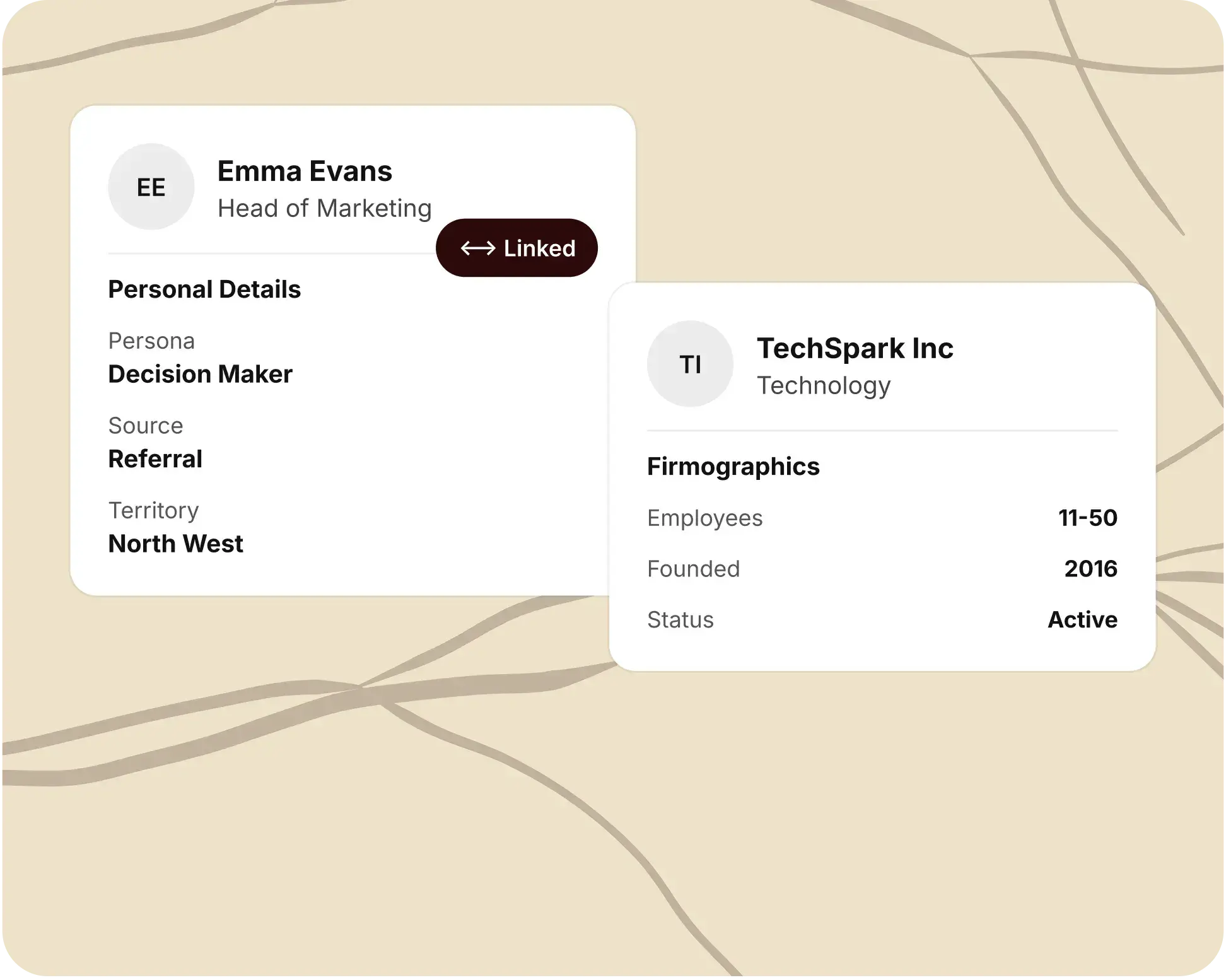
Add a person or a company, and Skkido builds a complete record around them automatically. Link people to companies, track relationships across both, and keep the context when you switch between them.
Activity timeline
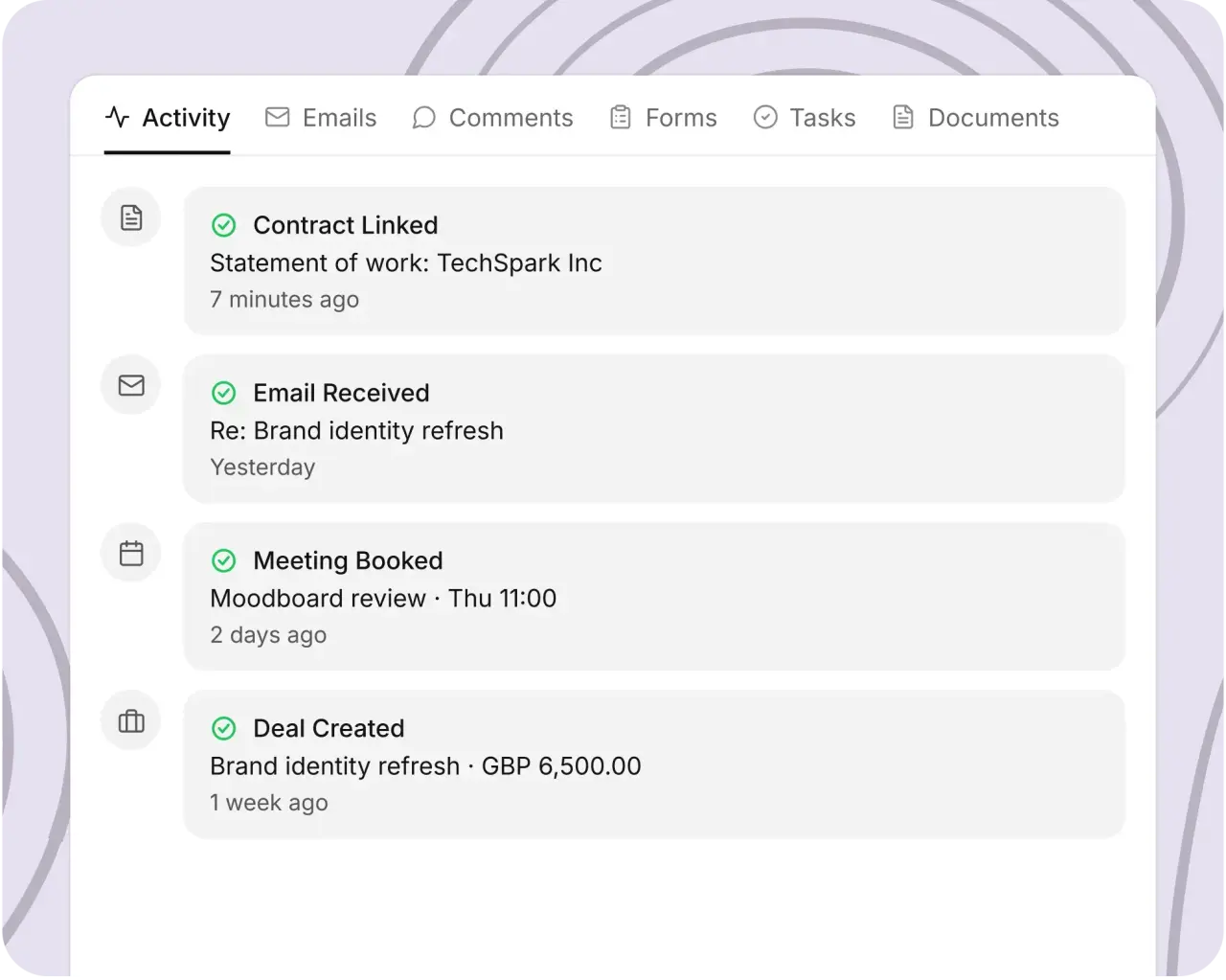
Every touchpoint. One scrollable timeline.
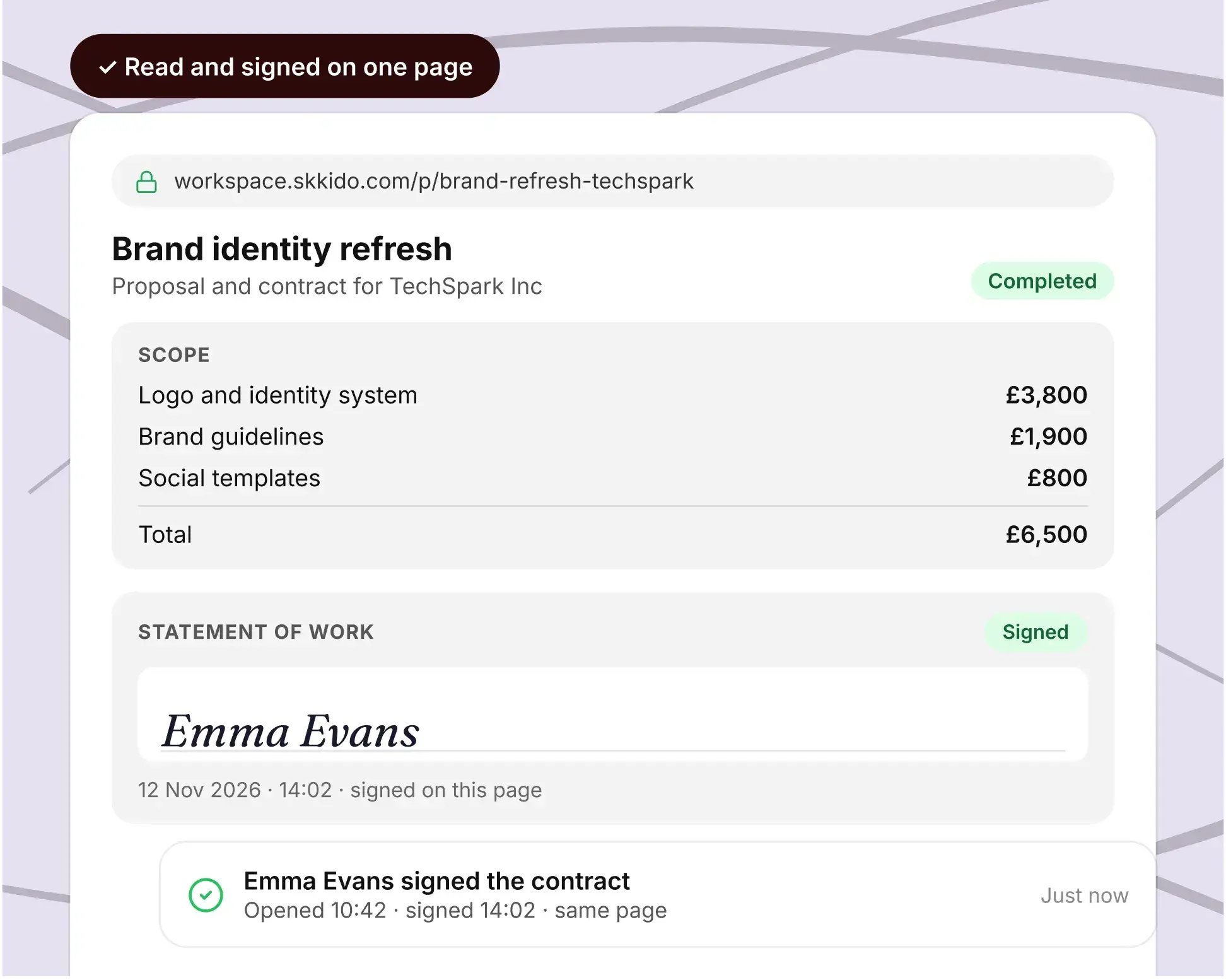
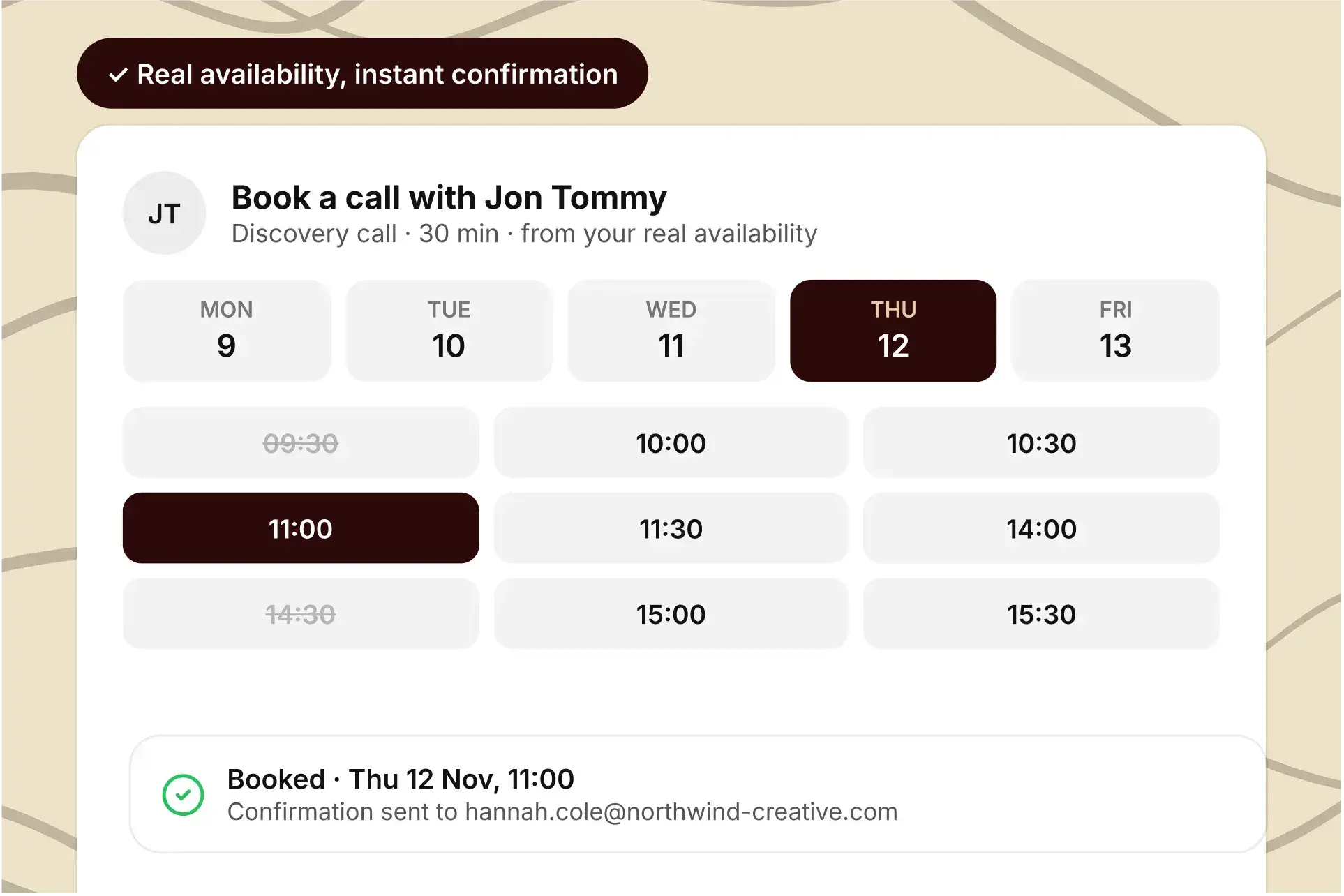
Messages, deal moves, bookings and signed contracts in one timeline, wherever they happened. Walk into any conversation knowing where things stand.
Conversations & notes
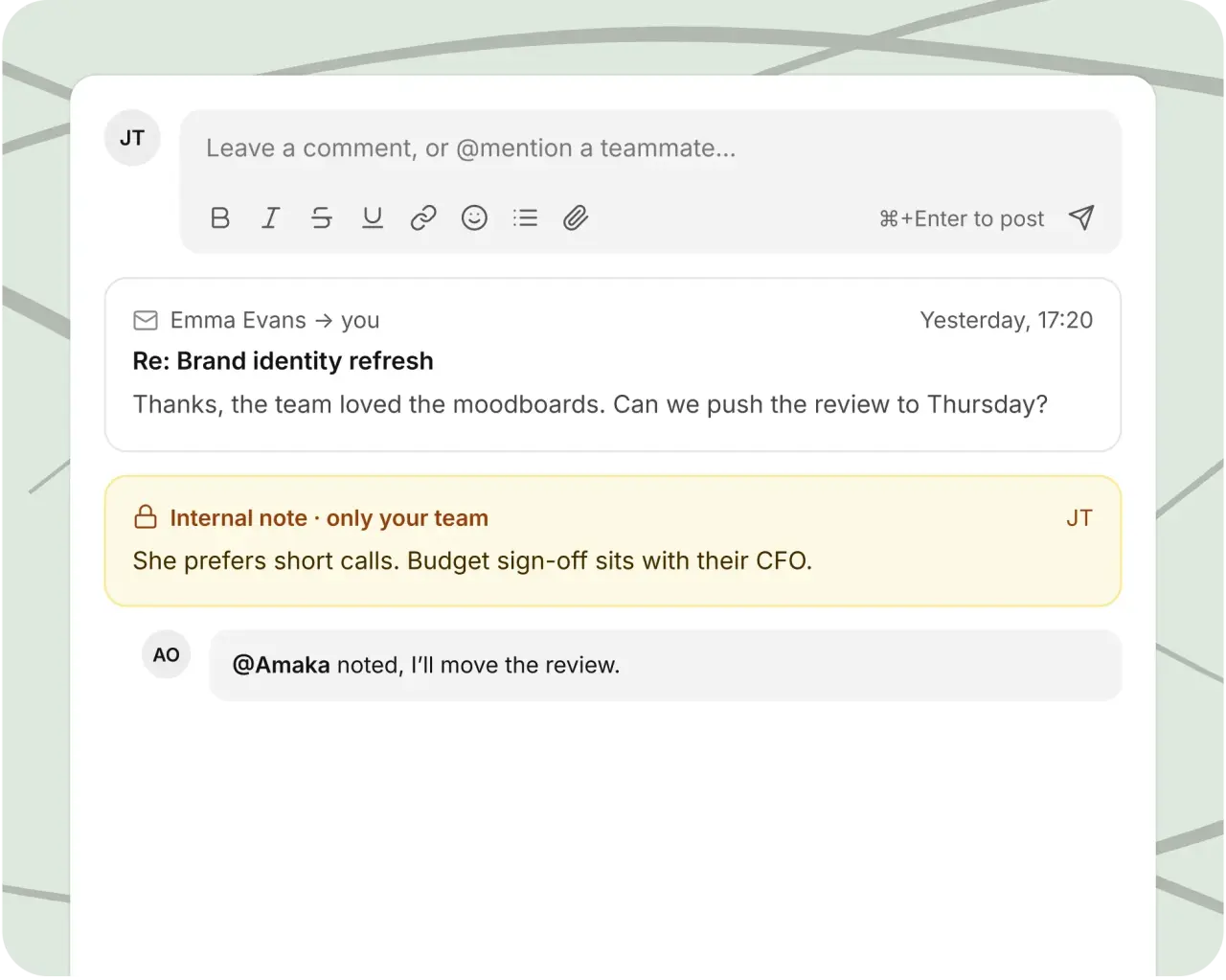
Conversations and notes, on the right person
Every message with a contact threads to their profile. Add internal notes only your team can see, and comment on any activity. Everything stays in context, so you never have to search your inbox to remember what was said.
State and signals
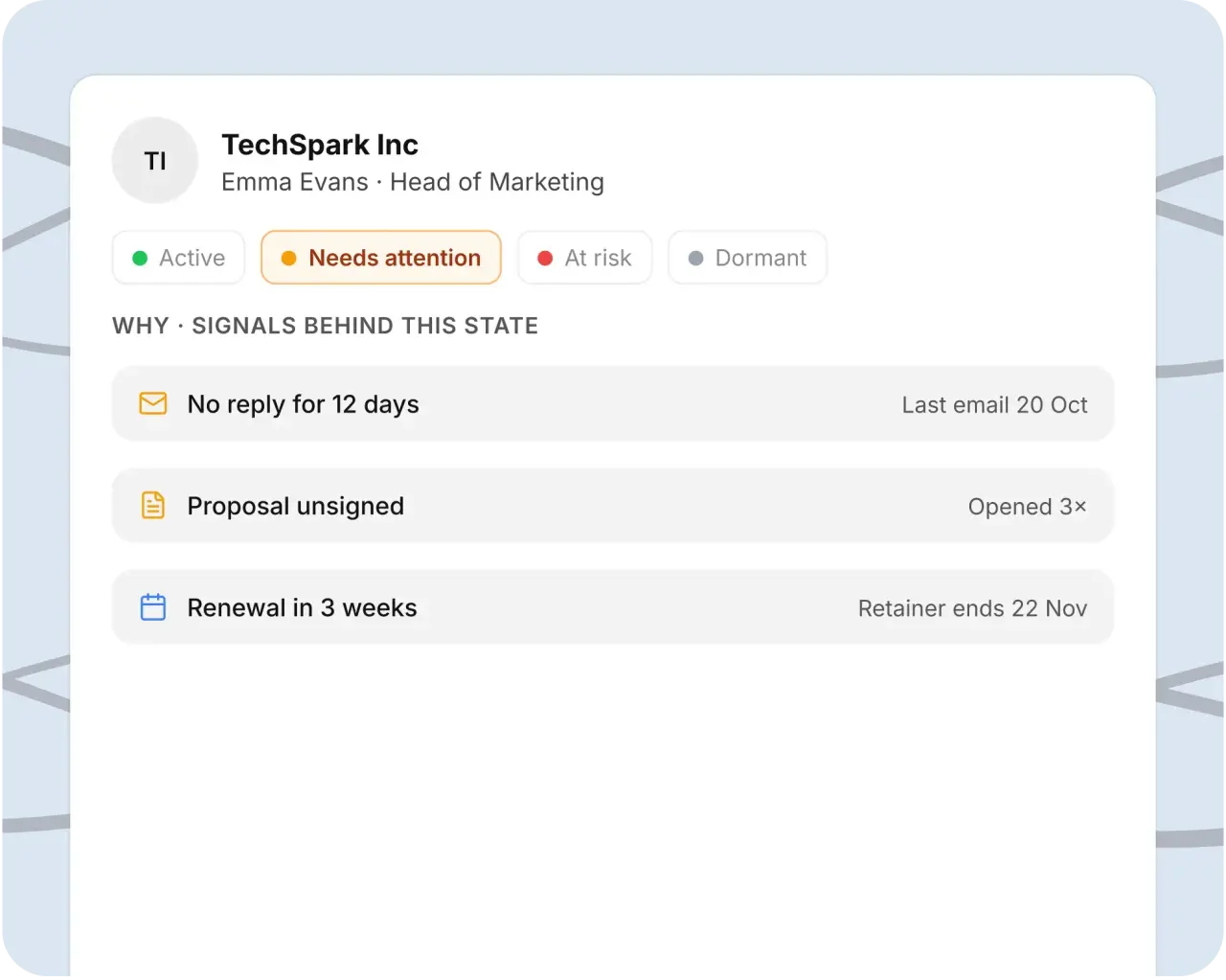
Their state, and the signals behind it
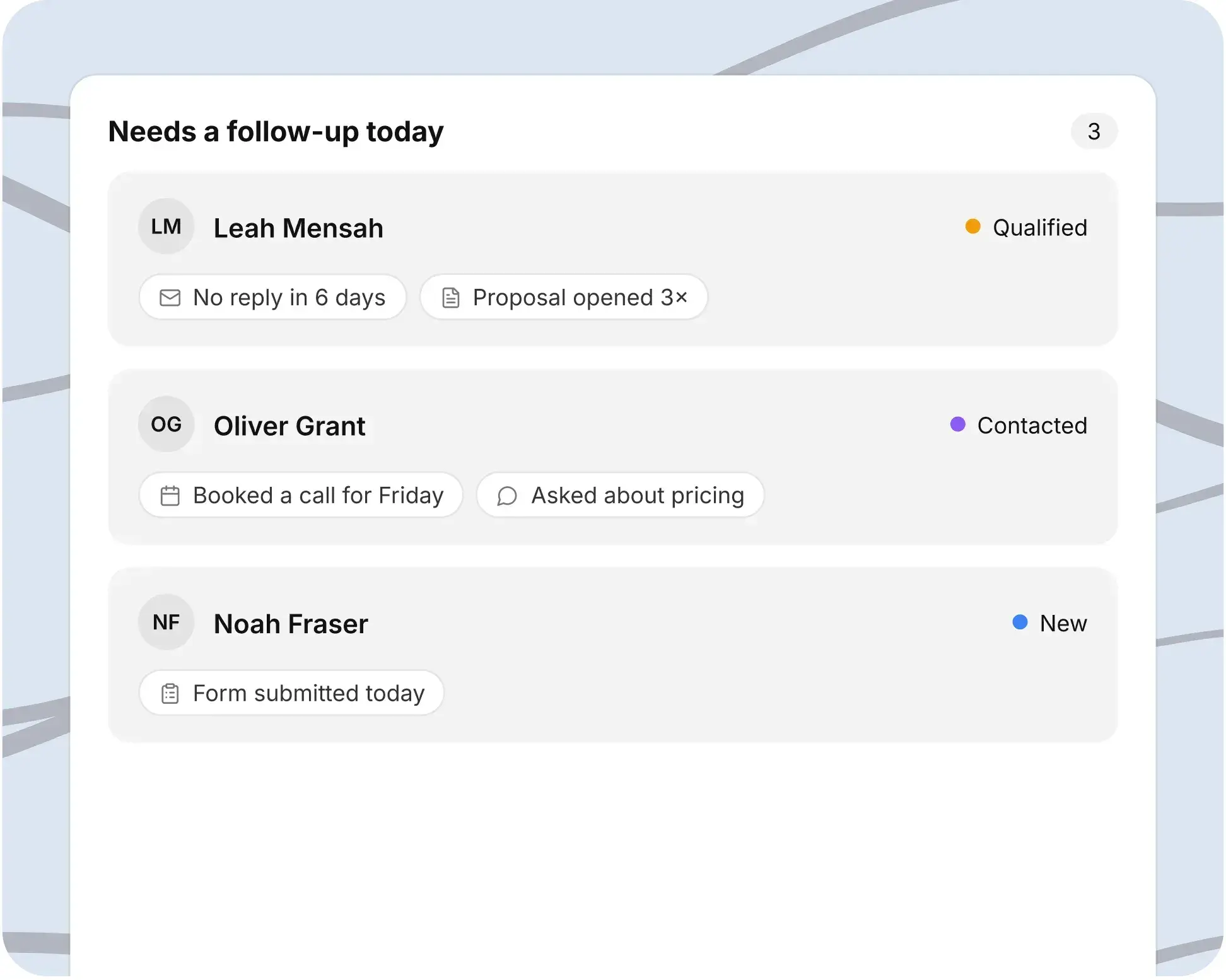
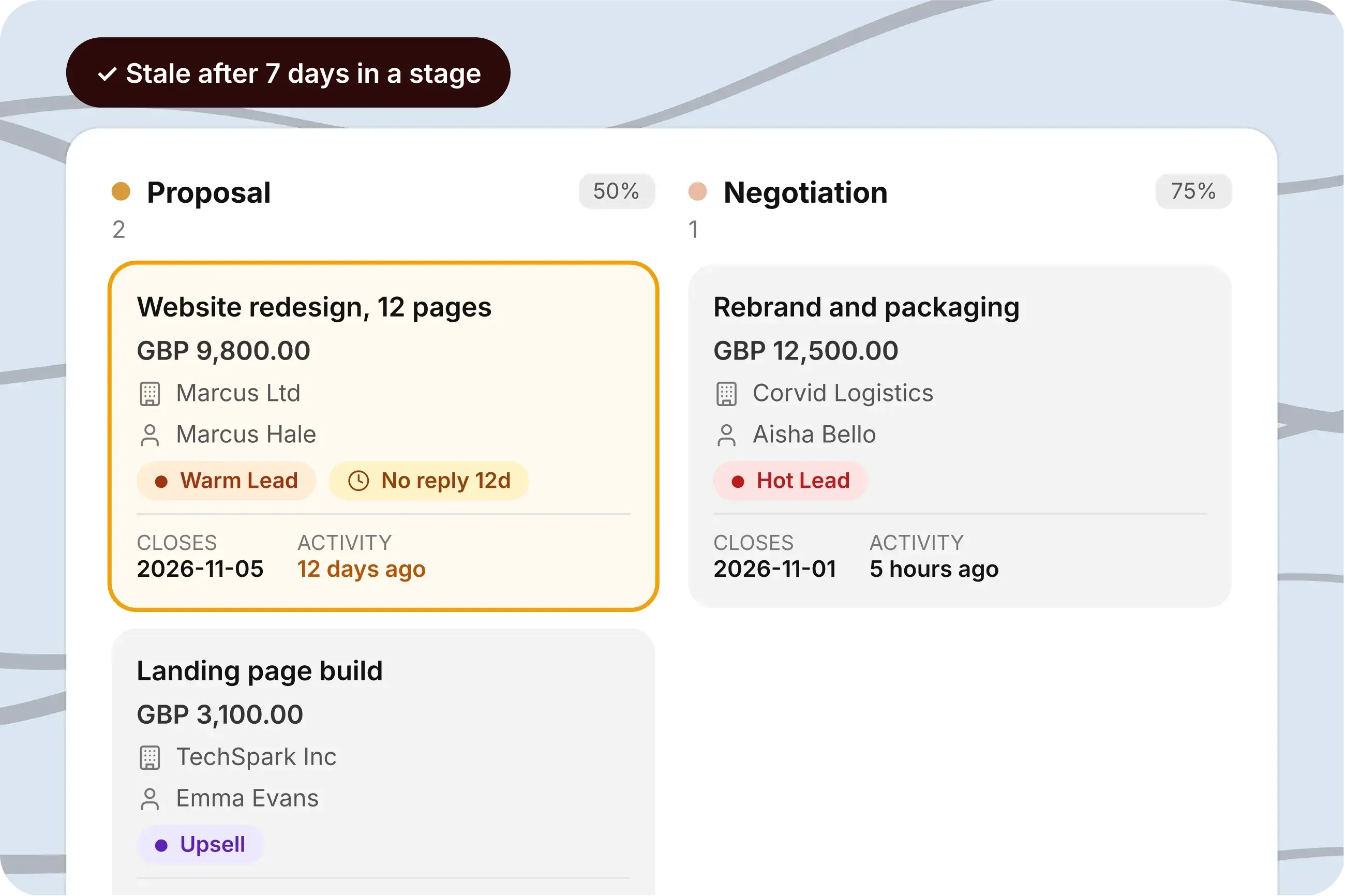
Each profile shows whether the client is Active, Needs Attention, At Risk or Dormant, with the exact signals that led there: no reply for twelve days, proposal unsigned, renewal in three weeks. Traceable, never a black box.
Know every client
before they say a word.
One profile for every client, with their state and the signals behind it, always up to date.
Free during beta. No card needed.
Keep exploring
The rest of your CRM
Everything that connects to a client.