Meetings that
stay in sync.
Set up regular check-ins once. Every meeting lands in your client’s own calendar with the join link. Who turns up, and who skips, becomes a signal.
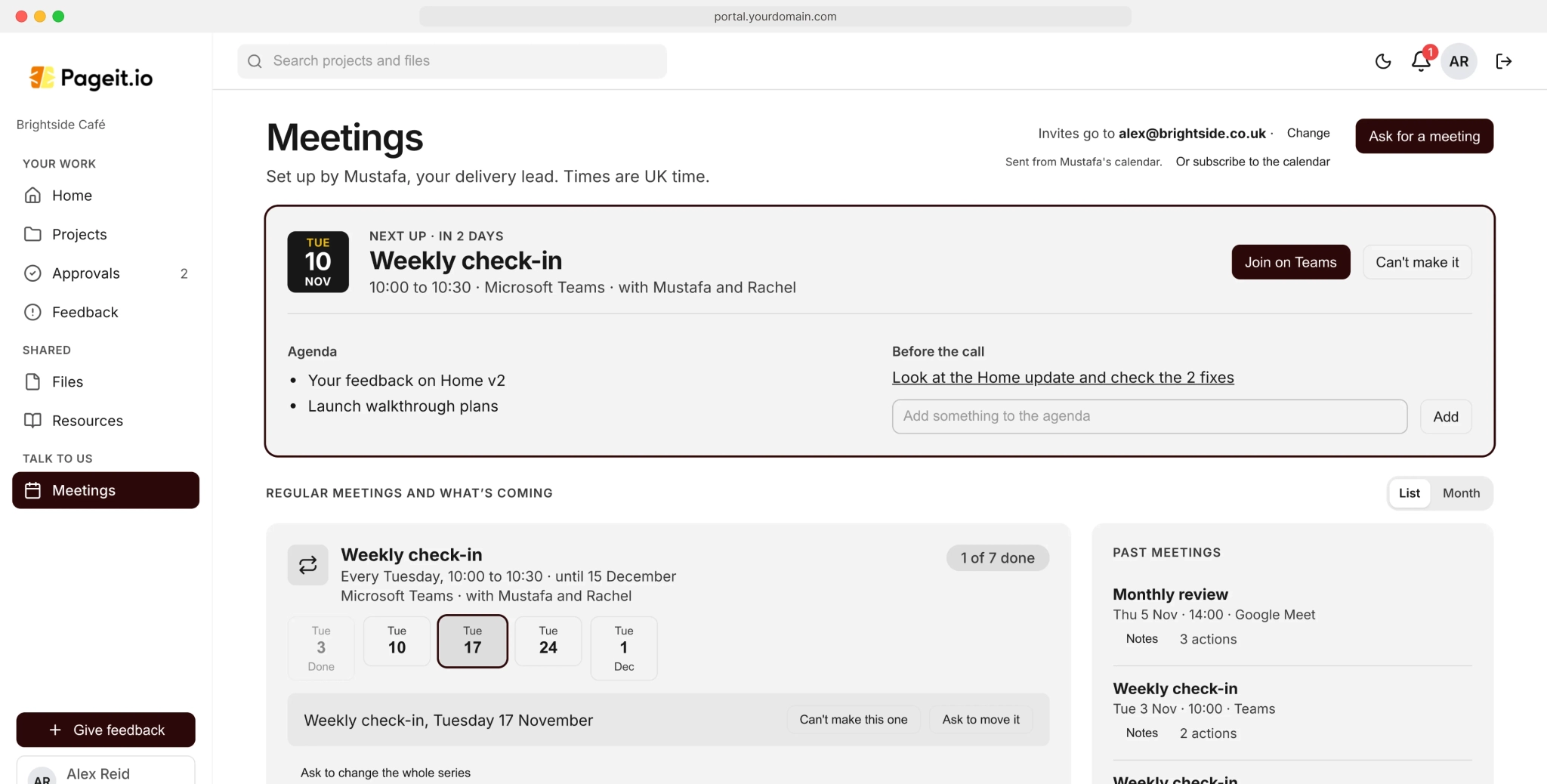
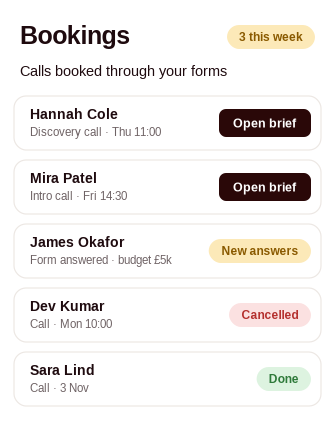
Set it once
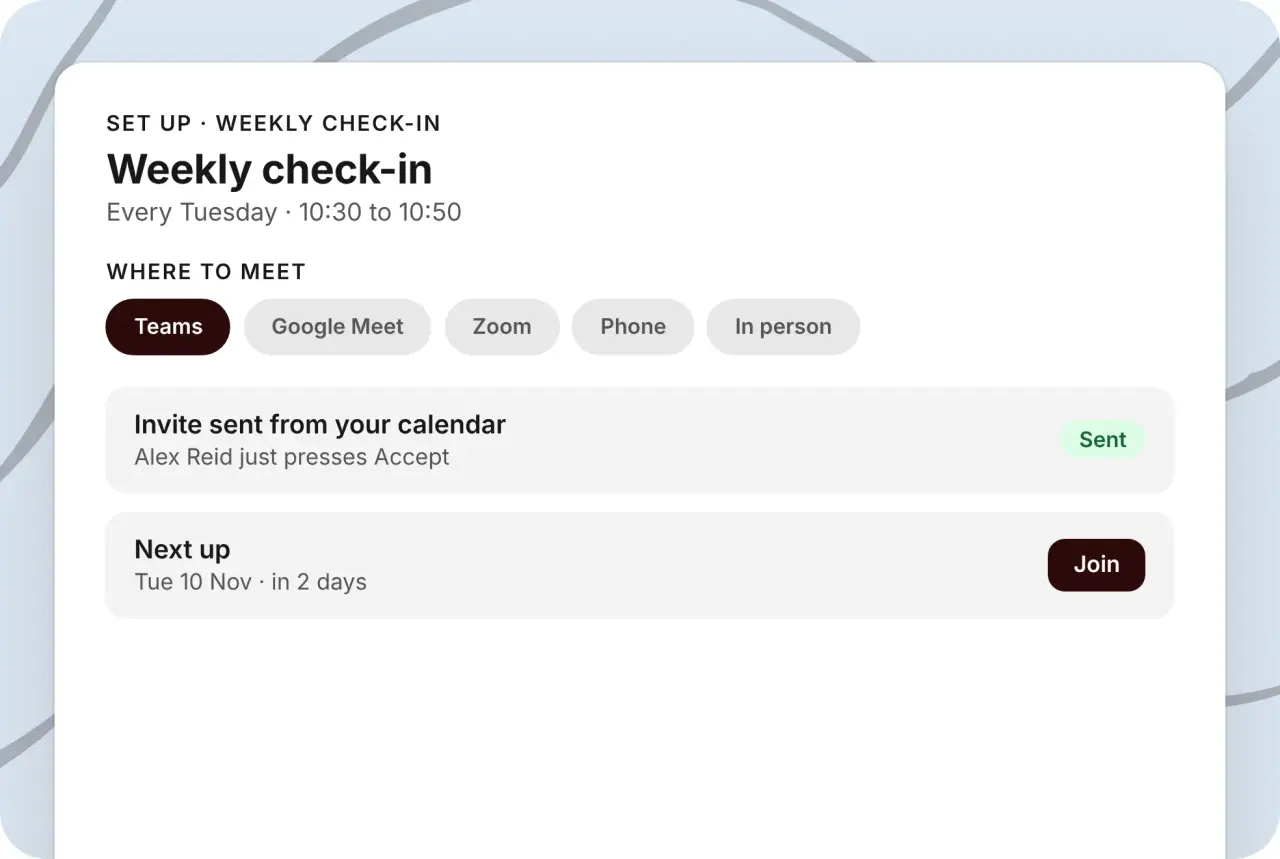
Weekly check-ins
without the weekly admin.
Choose the day, the time and where to meet: Teams, Google Meet, Zoom, the phone or in person. Invites come from your own calendar, so clients just press Accept.
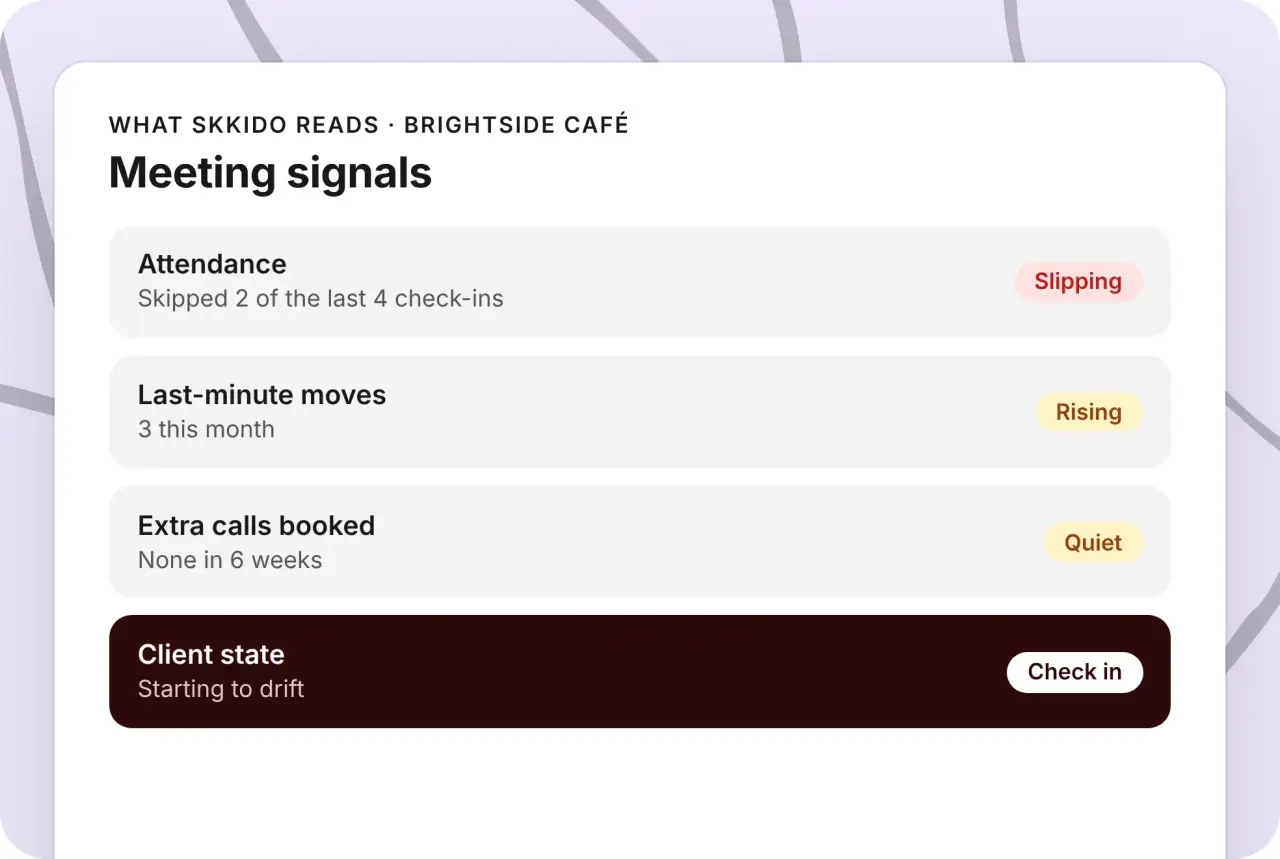
What Skkido reads
A skipped check-in
says more than an email.
Skkido reads meetings booked, moved, skipped and missed. When a client starts skipping check-ins, the engine picks it up before the relationship cools.
How it works
How meetings work in Skkido
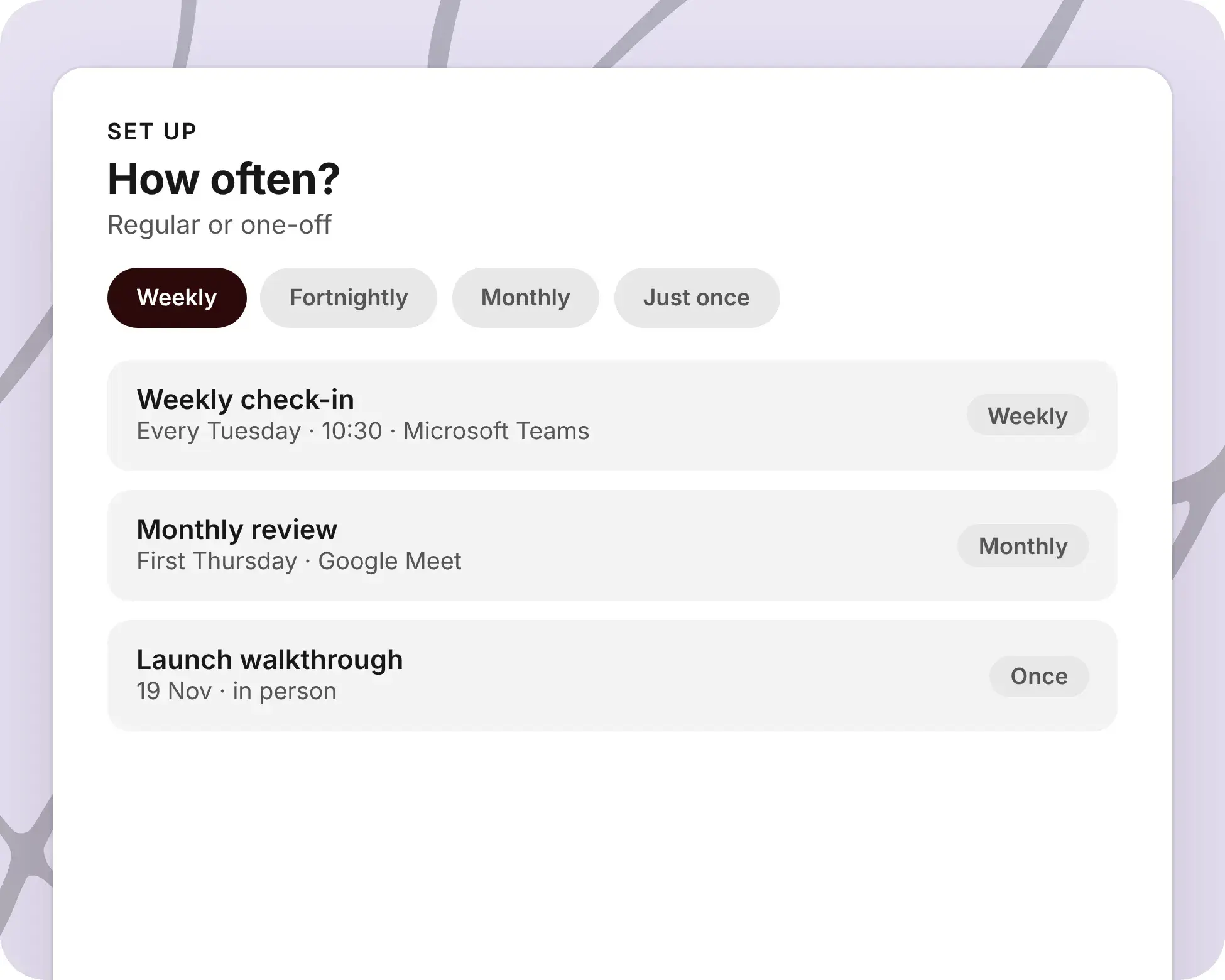
Setup
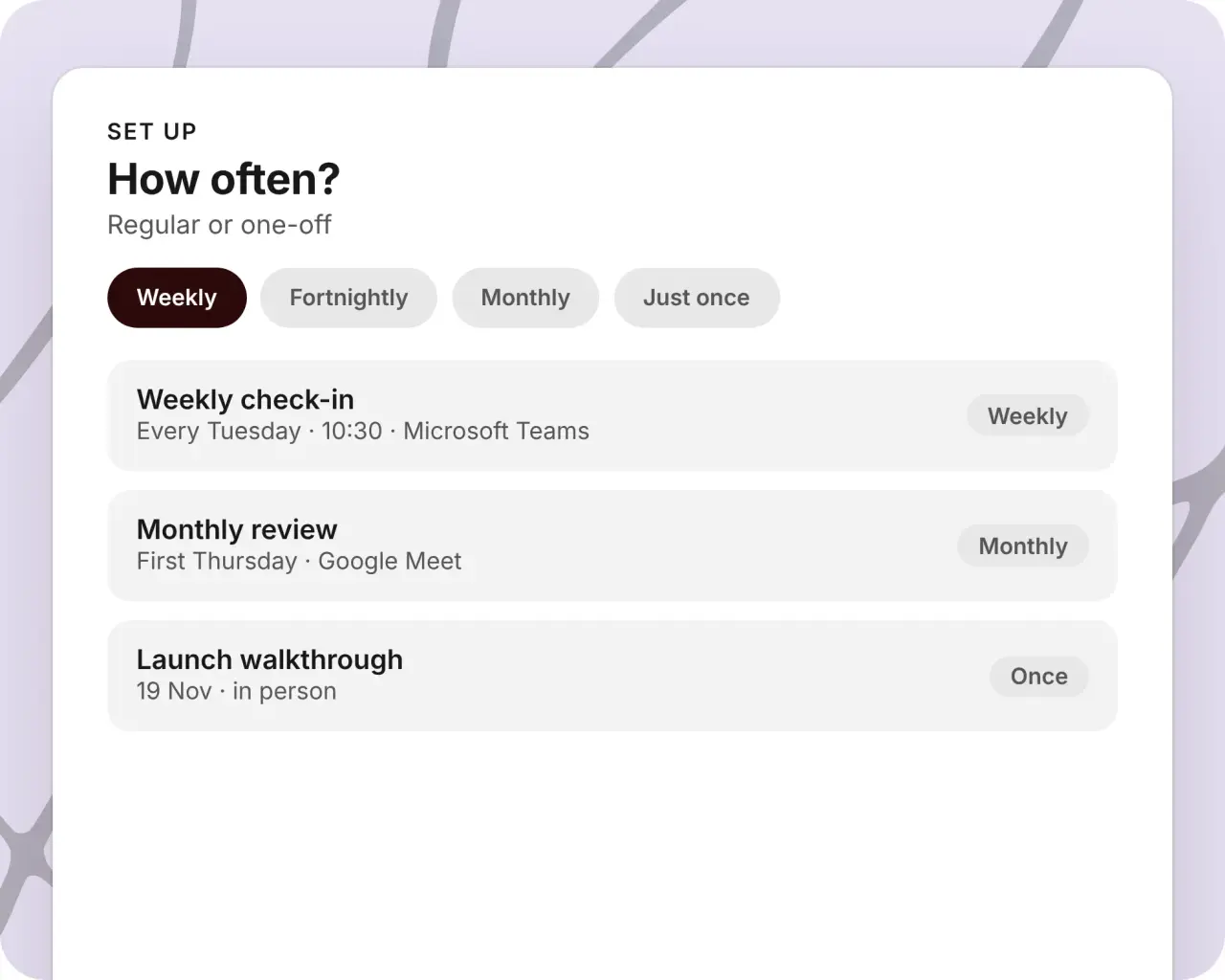
Regular or one-off.
Weekly, fortnightly, monthly or just once.
Prepare
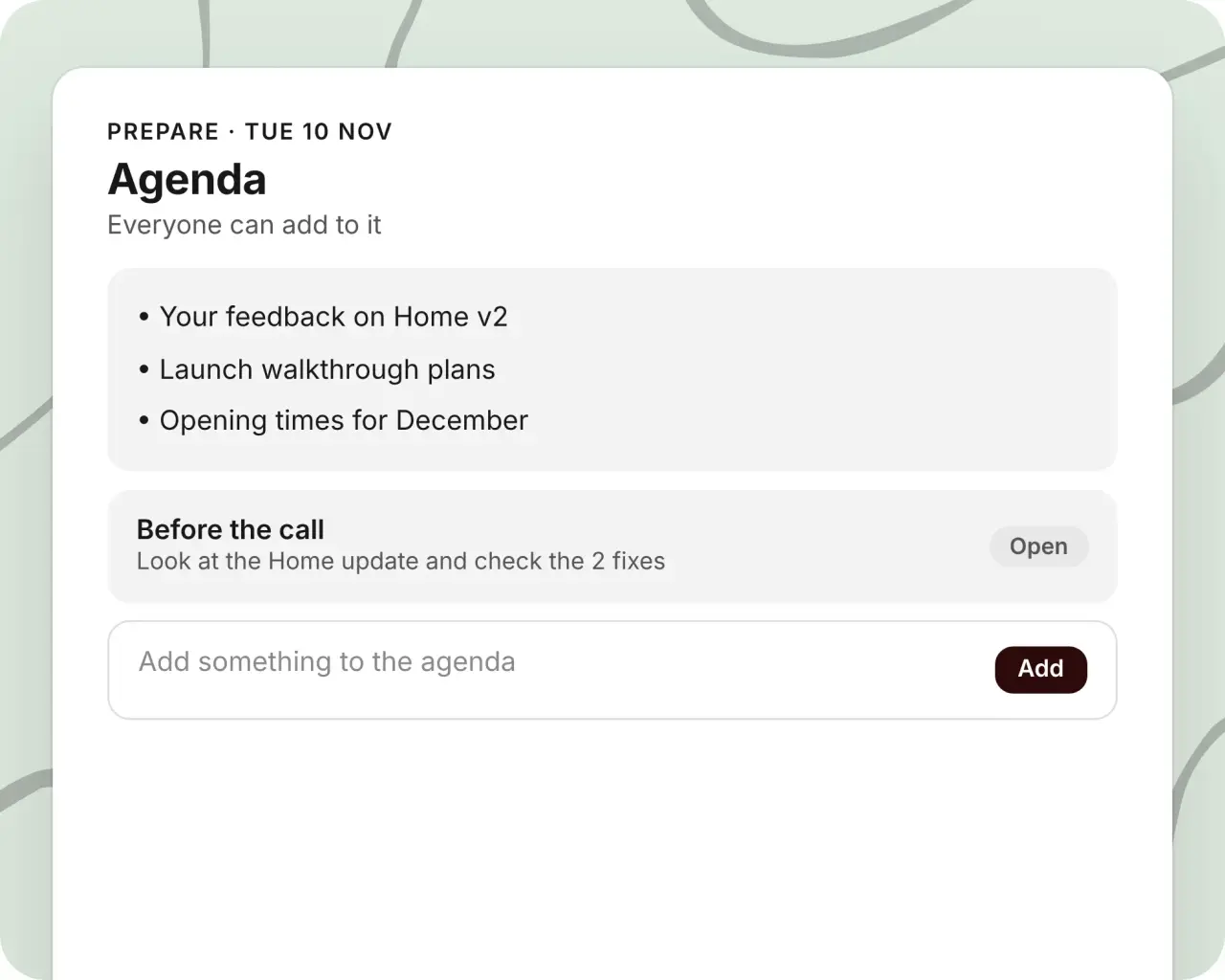
An agenda everyone can add to.
Each meeting has an agenda and links to what needs looking at first.
Change
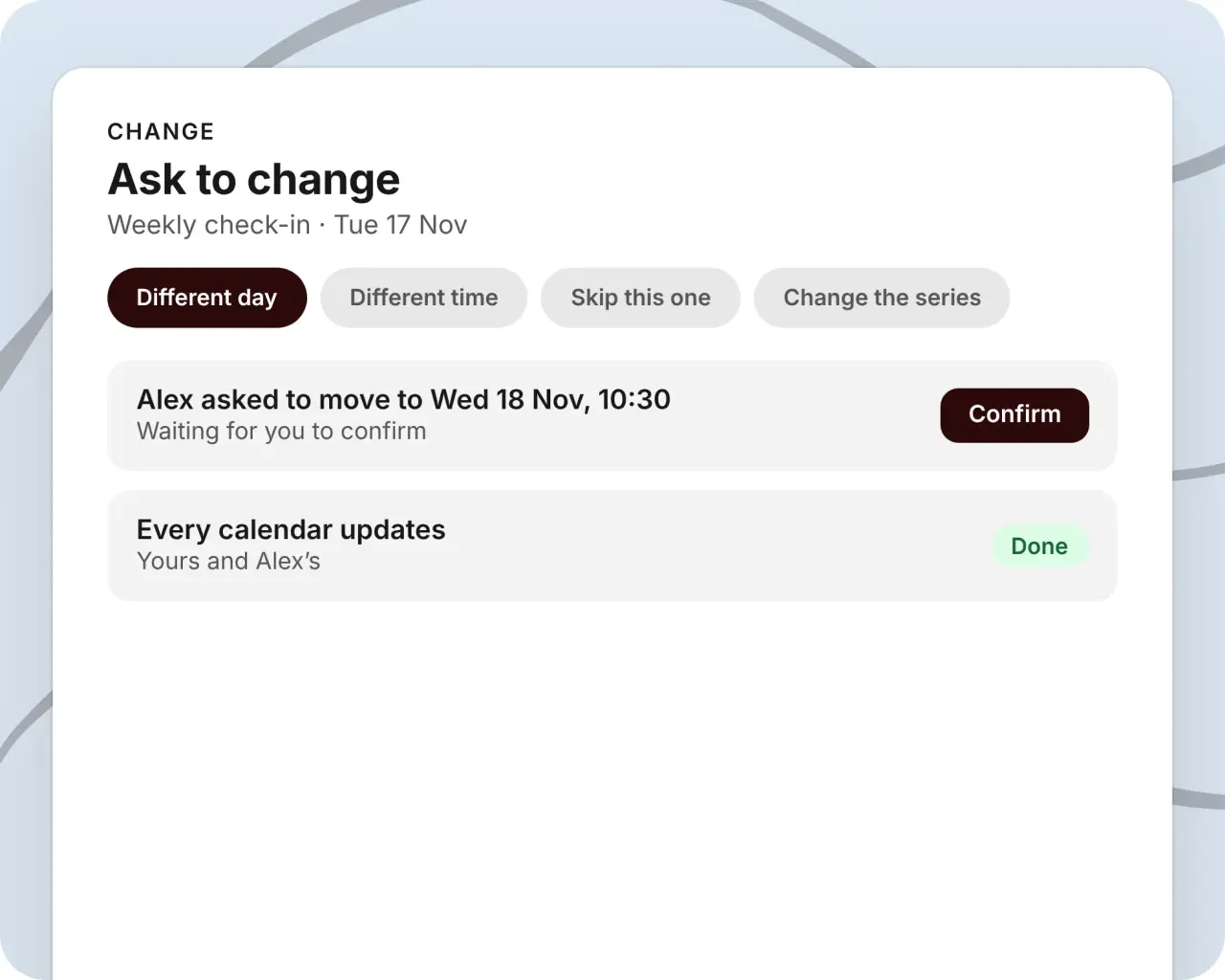
Clients ask, you decide.
Clients can ask to skip or move a date, or change the series. You confirm, and every calendar updates.
Signals
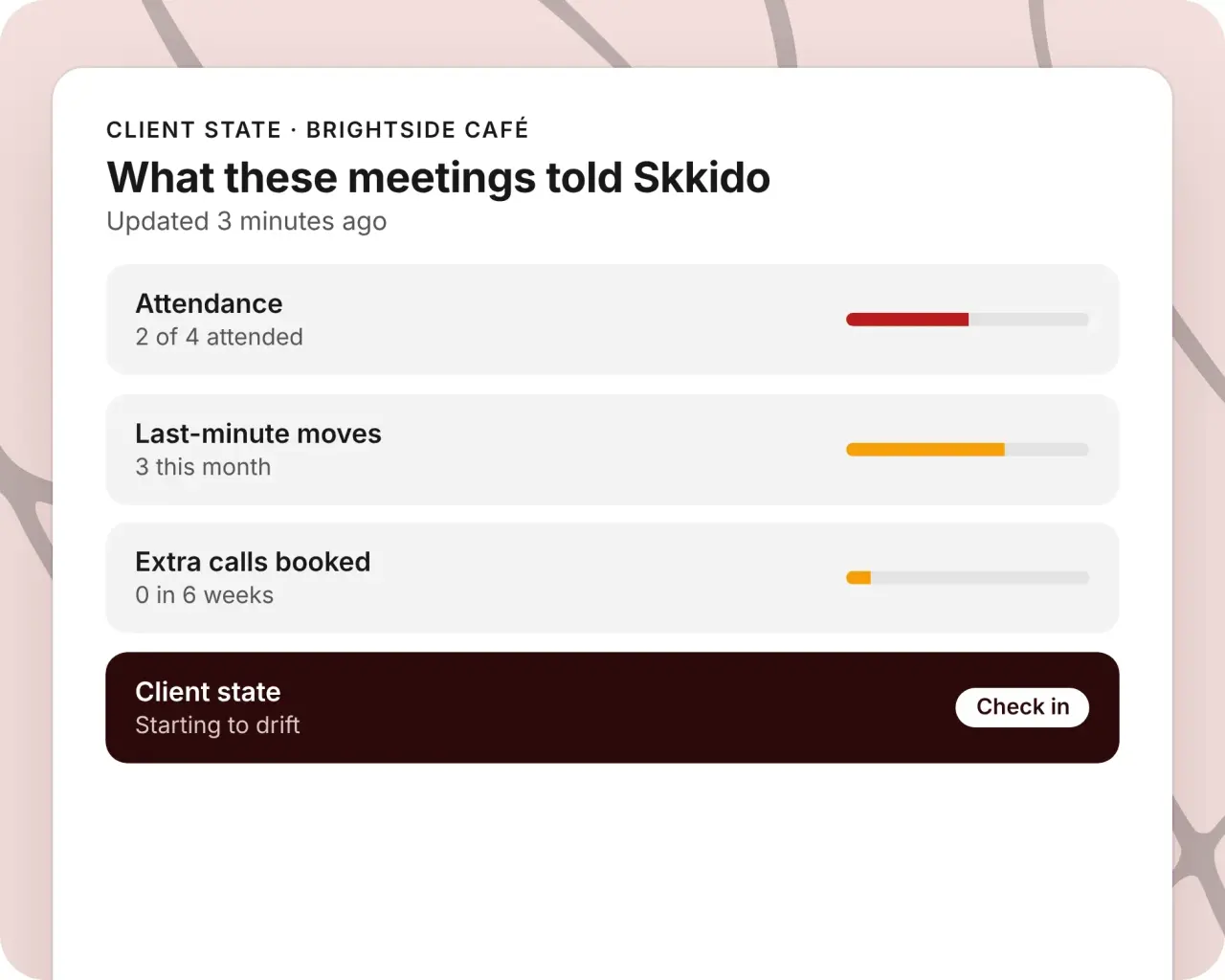
Every booking feeds the engine.
Attendance, last-minute moves and extra meetings booked all update the client’s state.
Spot who’s drifting
before they stop showing up.
Set up your next check-in in a minute. Skkido keeps calendars in sync and tells you when a client starts to slip.
Free during beta. No card needed.
Keep exploring
The rest of the client portal
Everything your clients see, in one branded place.