Send the work.
Get a clear yes.
Send designs, videos, photos and documents for review. Clients approve each piece, then sign off the whole thing. Every approval, and every delay, becomes a signal Skkido reads.
Easy for clients
Clients know what to do.
Without you chasing.
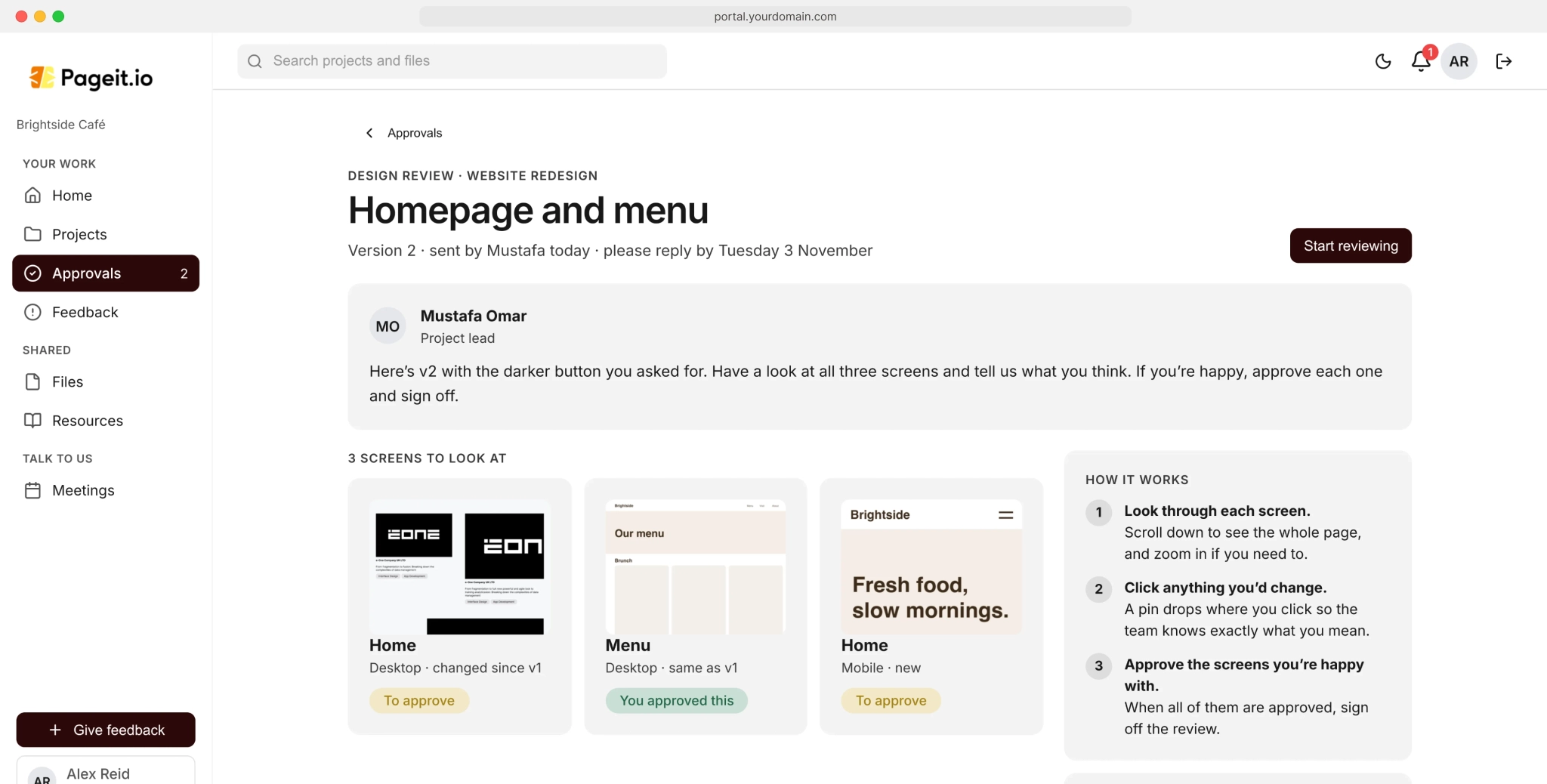
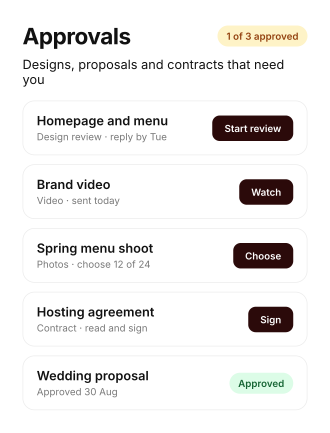
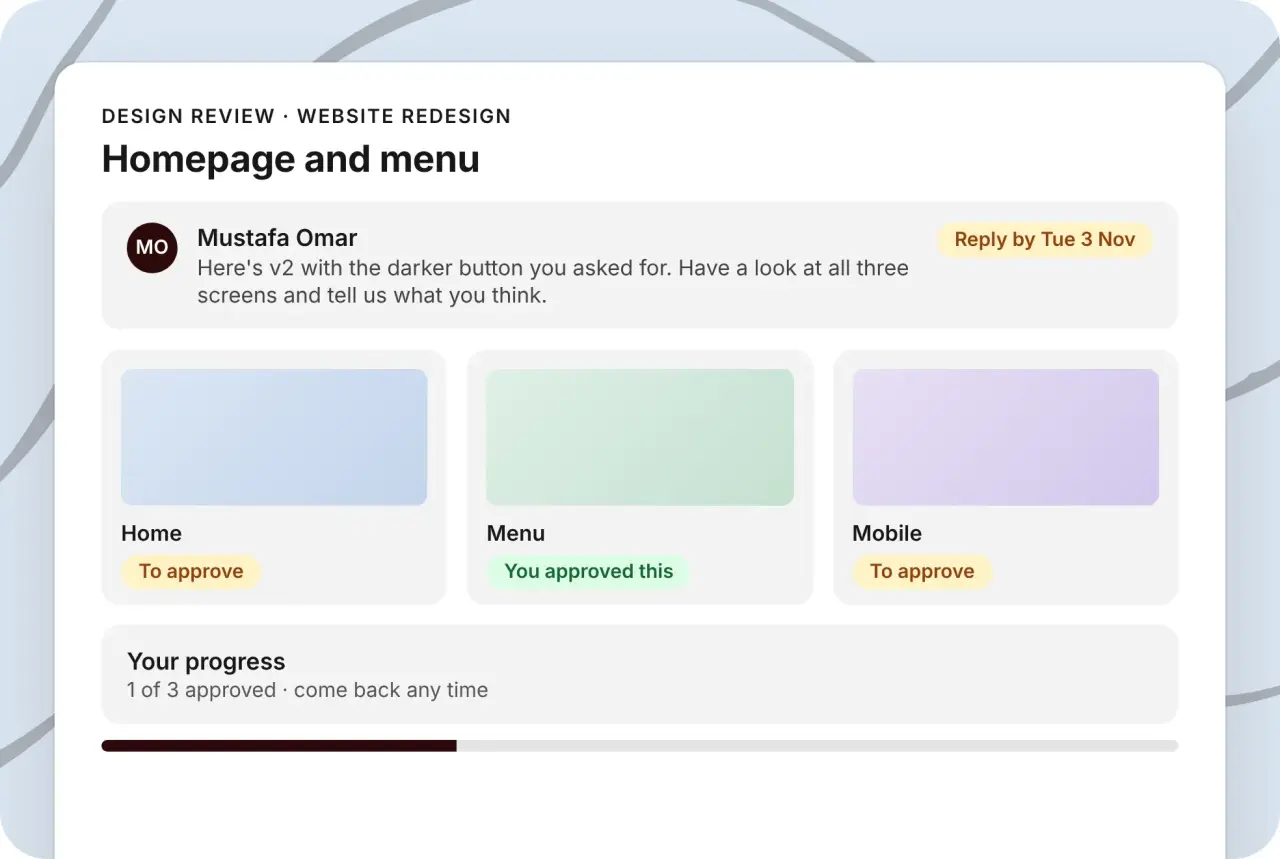
Every review opens with your note, what to look at and a reply-by date. Clients see how far they’ve got and can come back any time.
What Skkido reads
A slow approval is a signal.
Skkido notices it for you.
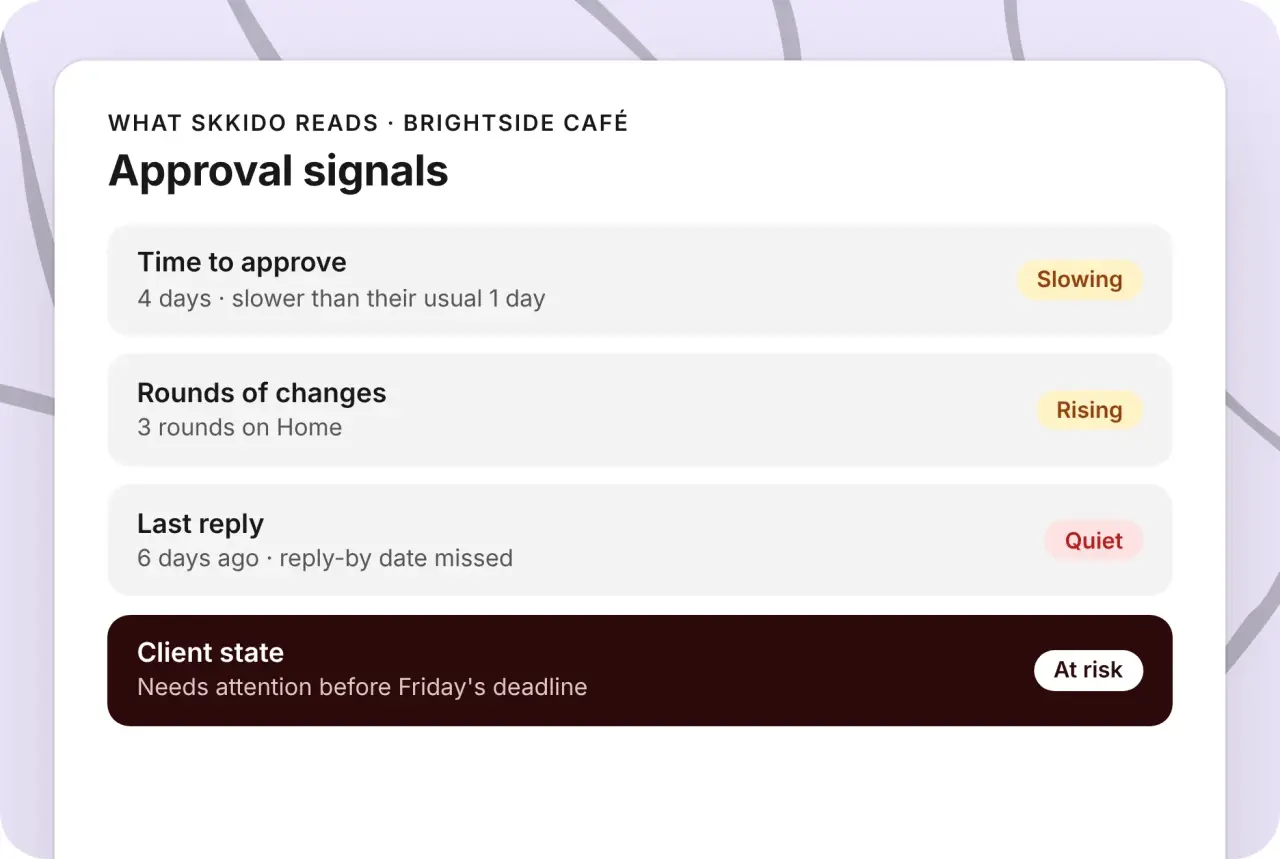
Skkido tracks how long each client takes to approve, how many rounds a project needs and when replies stop. These signals feed the engine, so a client who goes quiet shows up before a deadline slips.
How it works
How reviews and approvals work in Skkido
Send
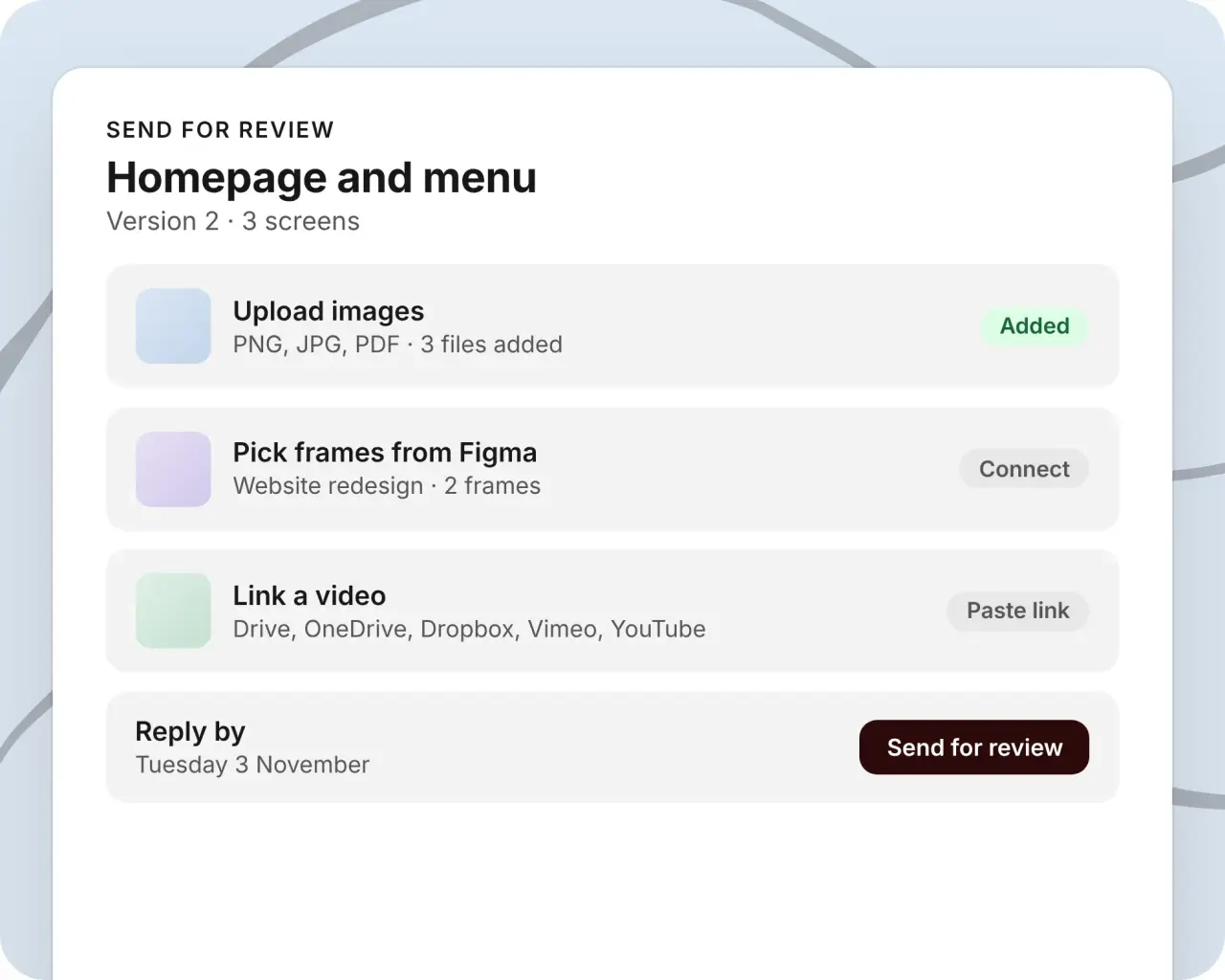
Send from where the work lives.
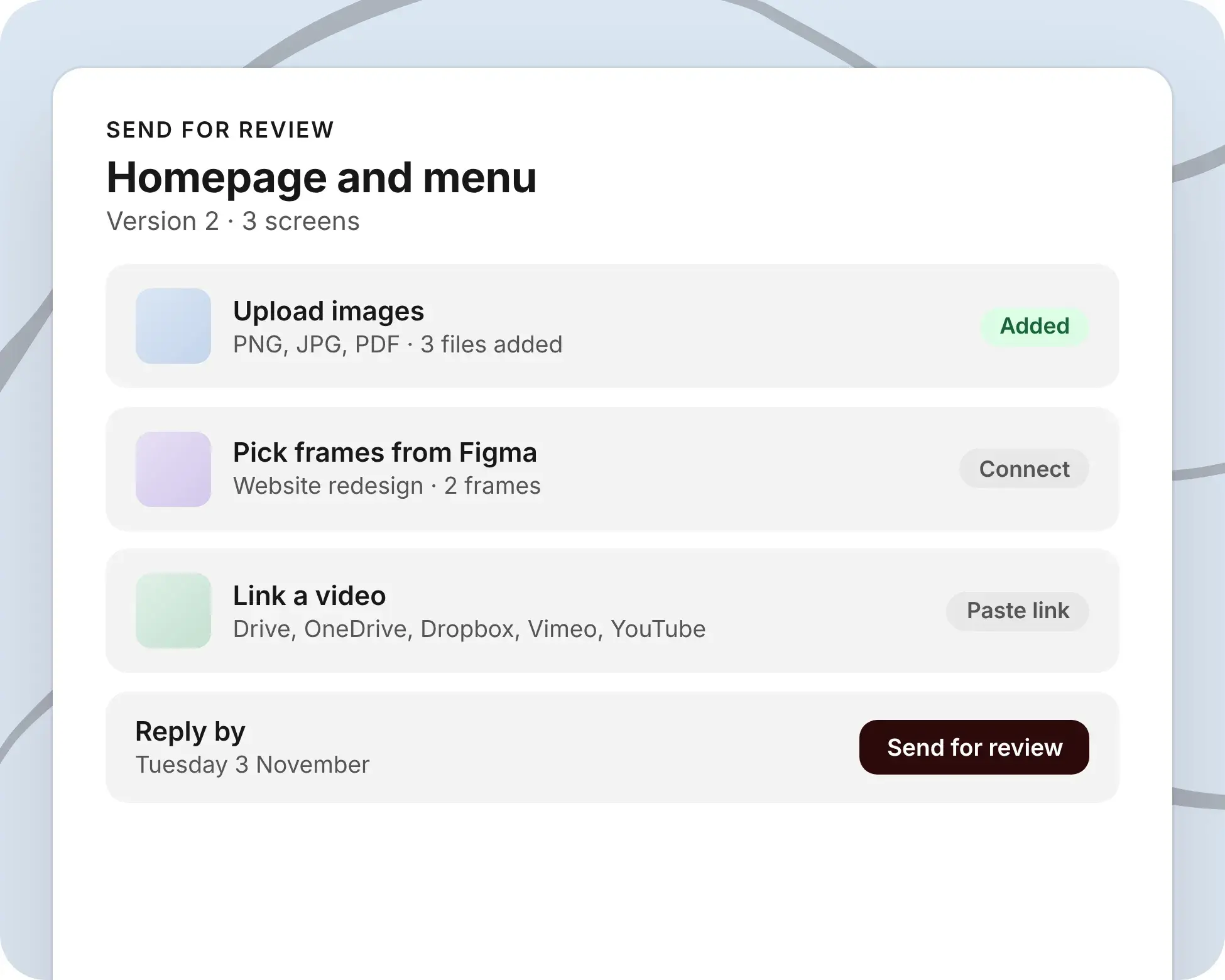
Upload images, pick frames from Figma, or link videos from Google Drive, OneDrive, Dropbox, Vimeo or YouTube.
Review
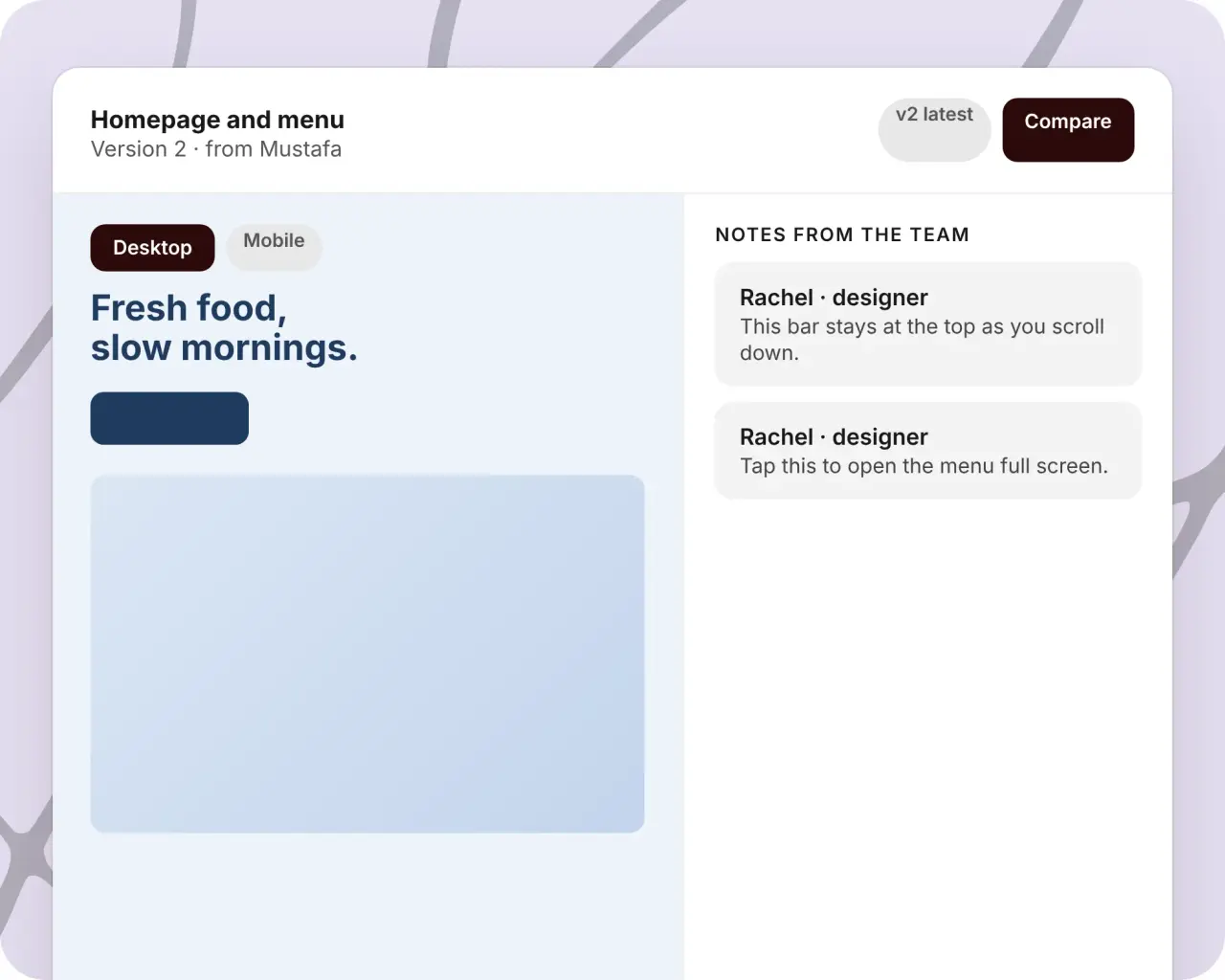
Every view, every version
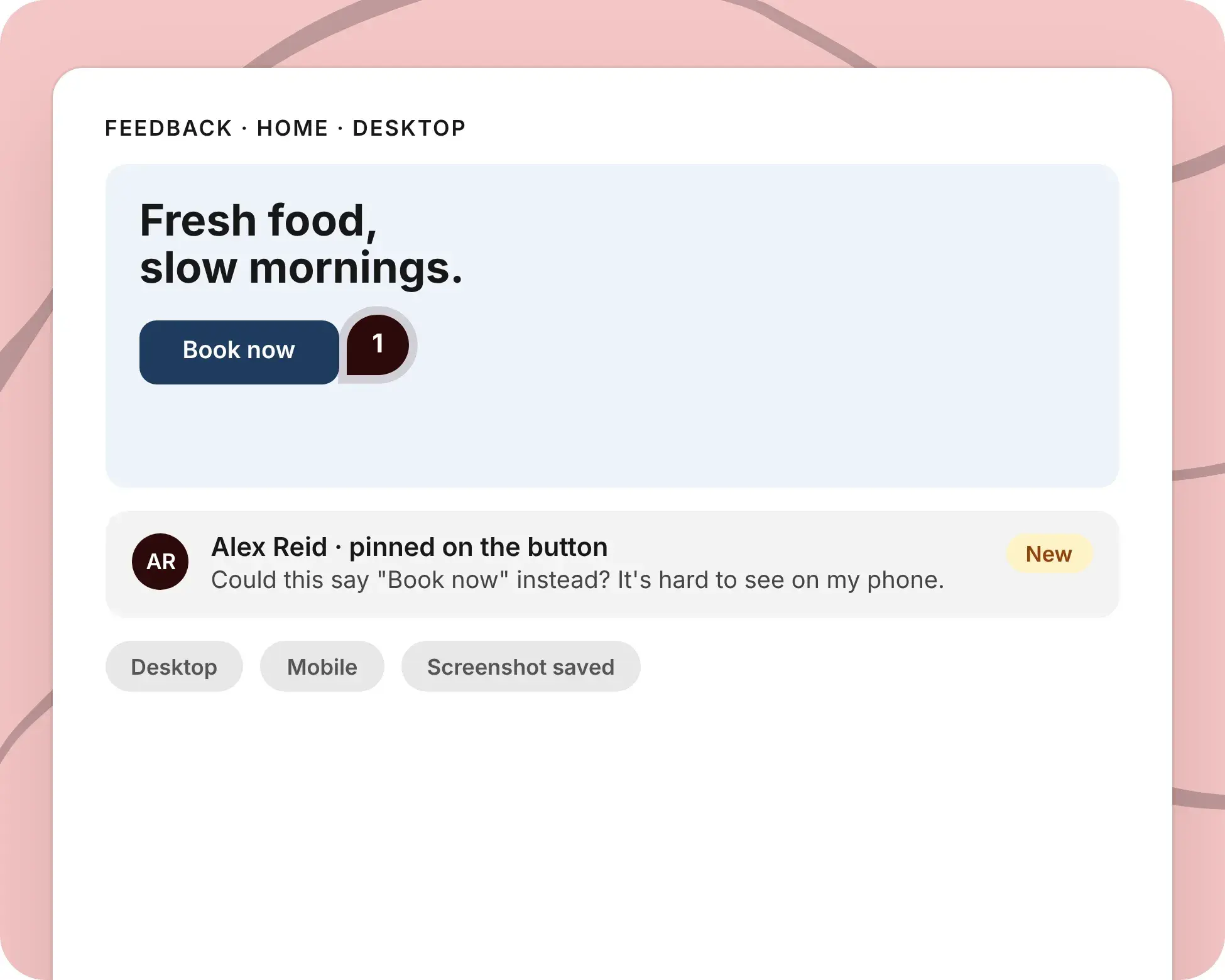
Clients see desktop and mobile, compare versions and read your notes on how things work.
Approve
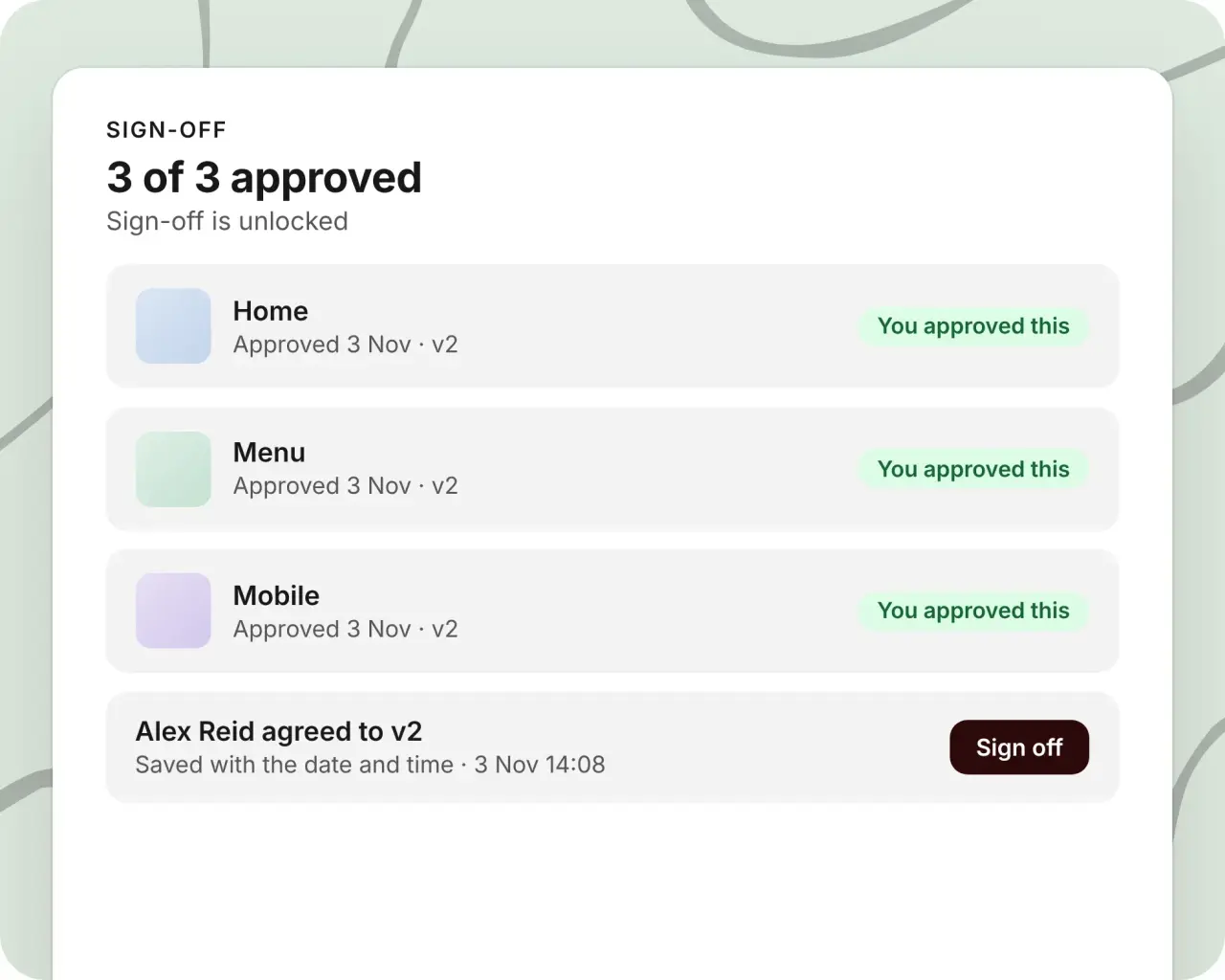
Approve each piece, then sign off
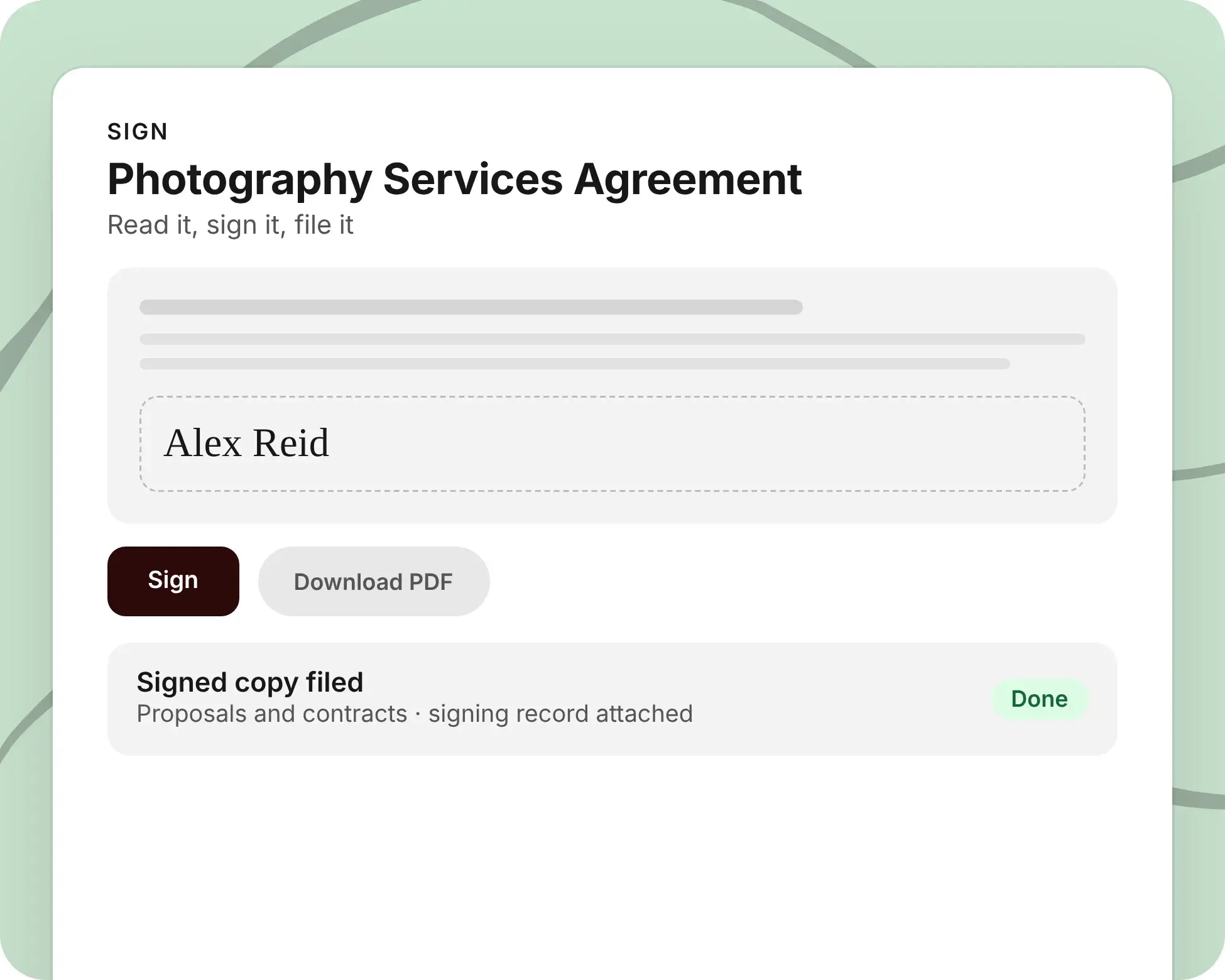
Sign-off unlocks once everything is approved. Skkido saves who agreed, to which version, and when.
Signals
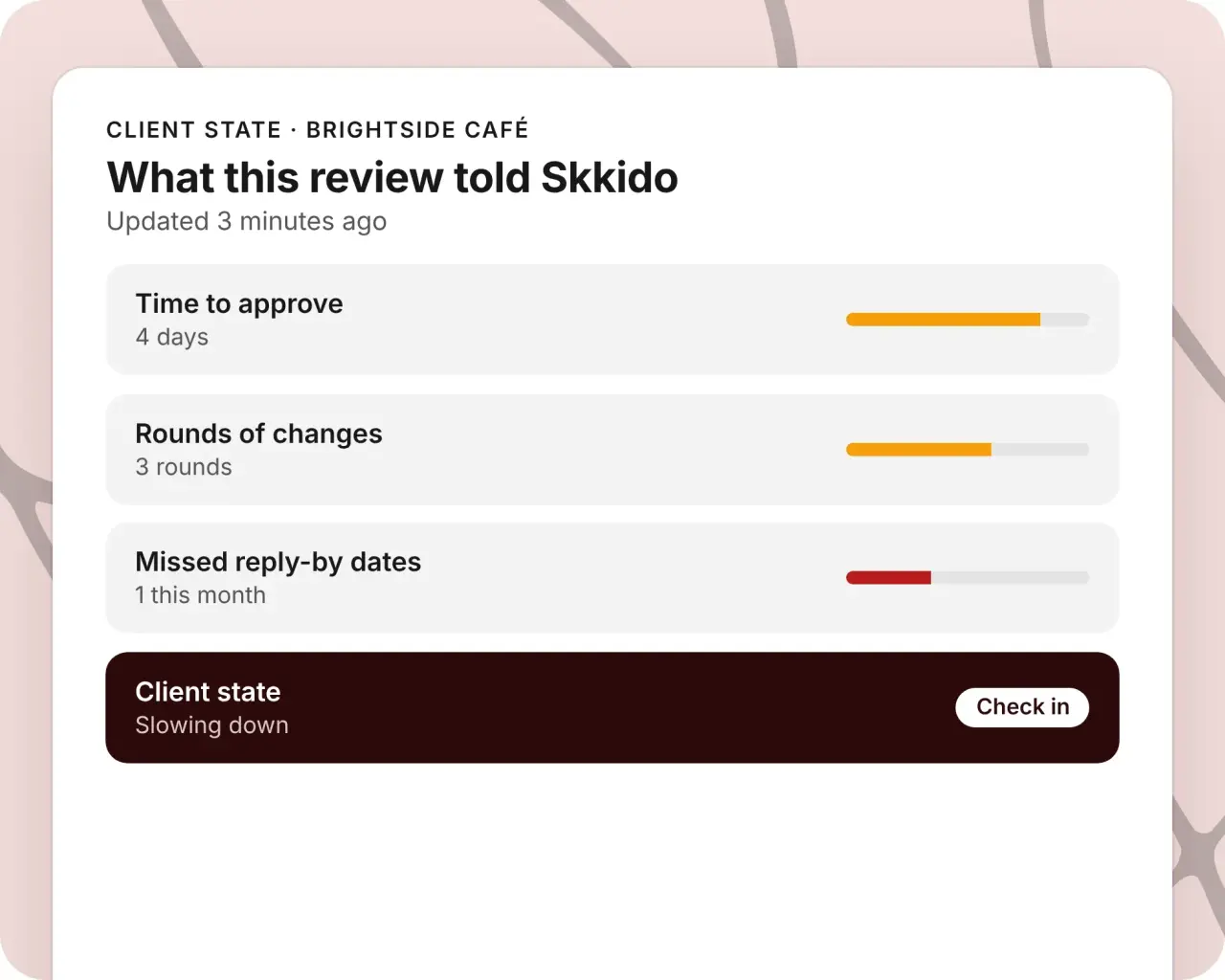
Every step feeds the engine.
Time to approve, rounds of changes and missed reply-by dates all update the client’s state.
Spot delays before they
cost you a week.
Send your next review in minutes. Skkido shows you which clients are slowing down, and why.
Free during beta. No card needed.
Keep exploring
The rest of the client portal
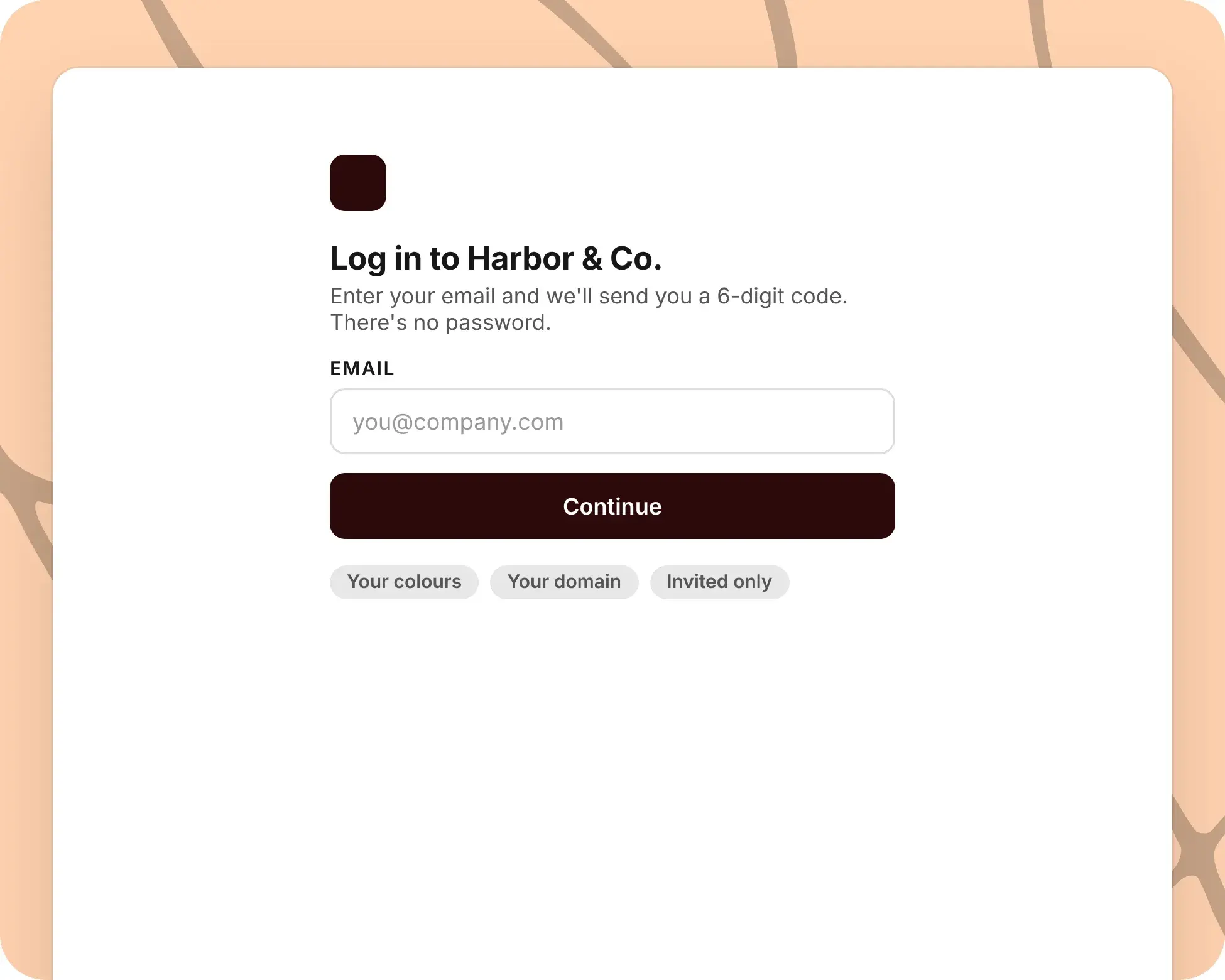
Everything your clients see, in one branded place.